SMARTNEO OPERATING MANUAL // PAGE 32
This function allows you to manually change the number of Actuators that the Control Box will control.
Proceed as follows to manually change these settings.
1
2
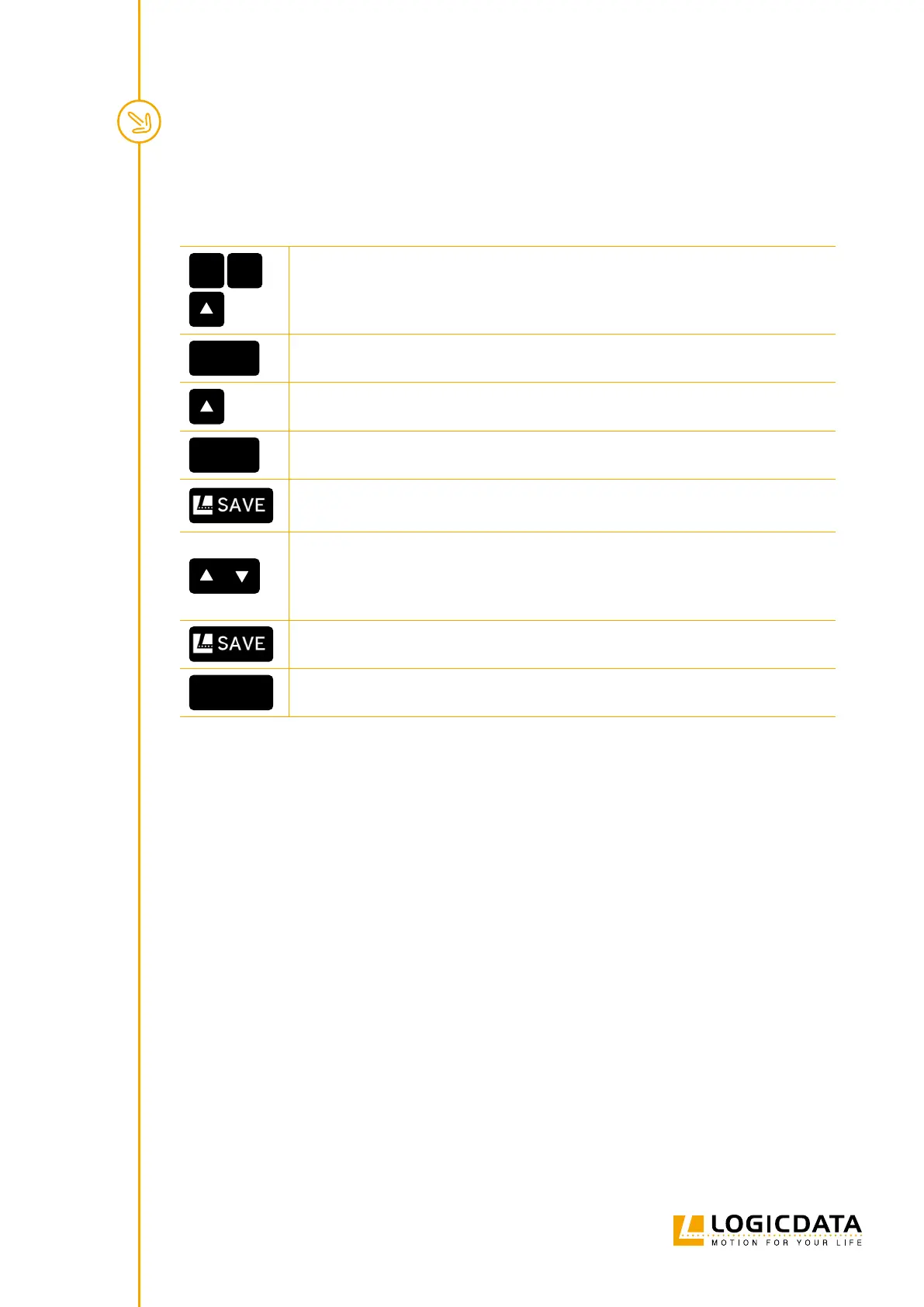
1. Press and hold the following Keys for 3 seconds:
• Memory Position Keys 1 and 2
• UP Key
S
5
▸ The display shows S and a number (e.g. S 5)
2. Press the UP Key until the display shows S 8.
S
8
▸ The display shows S 8.
3. Press the SAVE Key.
▸ The display will show the currently detected number of motors (1 or 2).
4. Press the DOWN Key to reduce the number of Actuators (Minimum 1).
5. Press the UP key to increase the number of Actuators.(Maximum 2).
▸ The display will show the selected number of Actuators.
6. Press the SAVE Key to conrm the changes to settings.
0 00
7. When 000 ashes on the display, perform a Factory Reset (Chapter 8.3)



 To Next Page