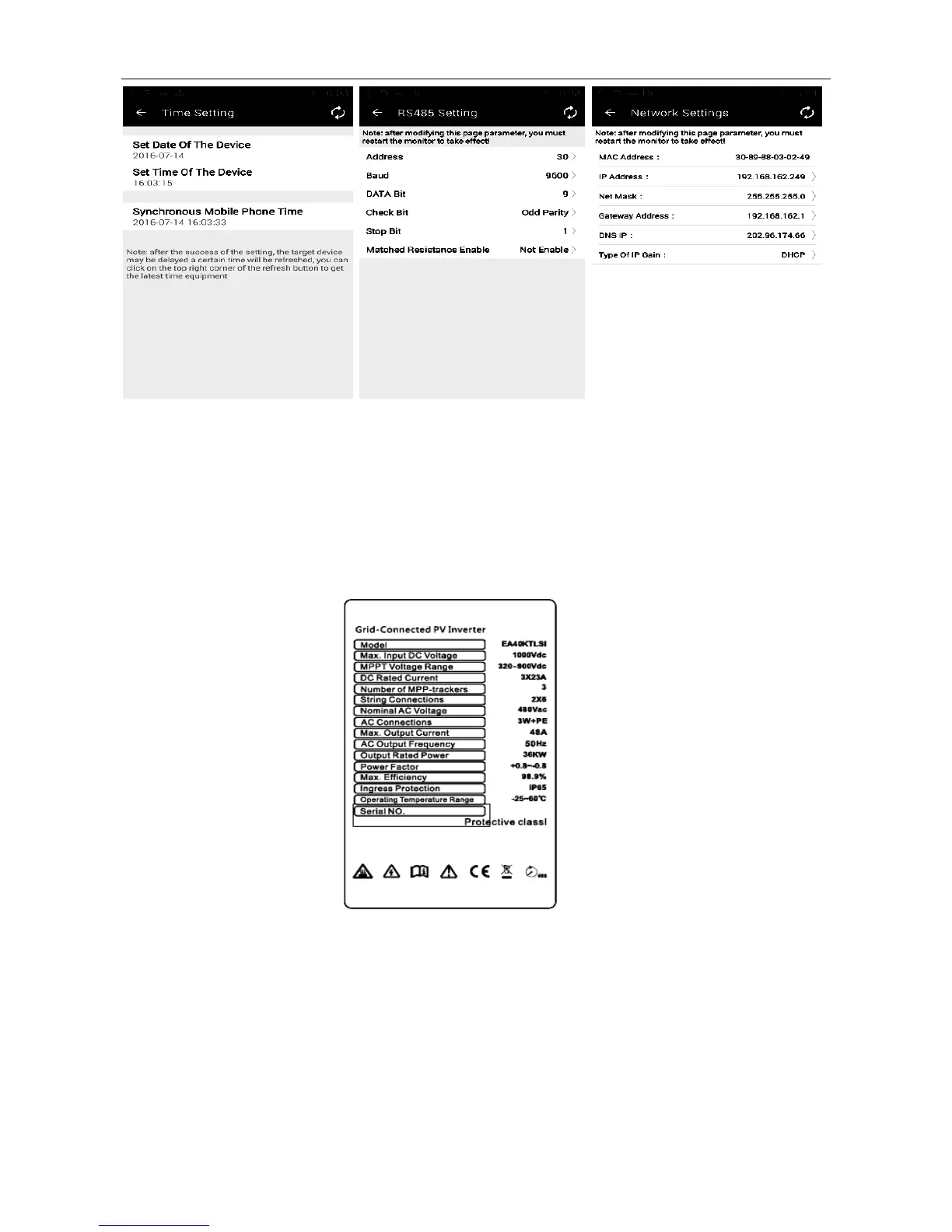
Fig. 37 Time Setting Fig. 38 RS485 Setting Fig. 39 Network Settings
Notice:Devices “network settings” in the above figure indicates the wired network card address for setting string inverters,
which is irrelevant to Wi-Fi address.
7.4 How to distinguish Wi-Fi hotspot
The serial number of device is the default hotspot name for all our Wi-Fi modules. You can find the hotspot’s name
from the nameplate on the inverters, as shown in example below:
Fig. 40 Nameplate
Note: Above nameplate information is for reference only, specific please in kind prevail.



 To Next Page