Need help?
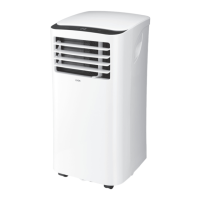
Do you have a question about the Logik L48ACW20 and is the answer not in the manual?
Controls the Evaporator/Cooler mode and indicates water level.
Switches the oscillation function on or off for air distribution.
Controls fan speed on the remote.
Selects Evaporator or Cooler mode via remote.
Instructions for powering the unit on and off.
How to select between Evaporator and Air Cooler modes.
 General
| Cooling capacity | 4800 BTU/h |
|---|---|
| Noise level | 24 dB (Indoor Unit) |
| Refrigerant | R290 |
| Operating Voltage | 220 - 240 V |
| Operating Frequency | 50 Hz |

 To Next Page