15 ENGLISH
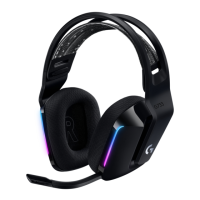
• Zone 1: G logo
• Zone 2: Lighting strip
Each lighting zone can be programmed
with the Logitech G HUB (PC mode only).
www.logitech.com/support/g935
TAG CUSTOMIZATION
The left and right custom tags can be
removed and replaced with custom tags.
LOGITECH G HUB SOFTWARE
G-key buttons, lighting, equalizer,
and surround sound prole programming
is possible through the Logitech
G HUB Software.
1. LIGHTSYNC Lighting
2. Assignments
3. Acoustics
4. Equalizer
1 2
1
2
3
4
RGB LIGHTING ZONE CUSTOMIZATION



 To Next Page