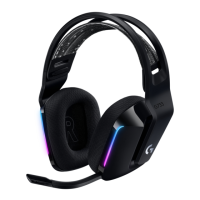
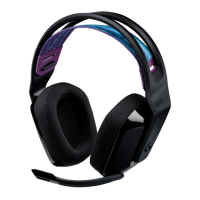
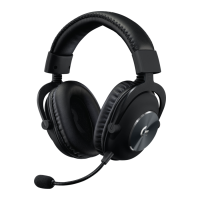
17 ENGLISH
If your device becomes unpaired
or you receive a replacement USB
Wireless Adapter, follow these instructions
to pair your device with the USB
Wireless Adapter:
1. Plug in USB Wireless Adapter
2. Insert pin into reset port on adapter
to initiate pairing mode
3. Light on adapter will blink
4. Turn on headset
5. Hold “Microphone mute” button
for 15 seconds to initiate pairing mode
6. Headset G logo will blink green
to indicate pairing mode
7. Logo will turn to solid color and then
return to currently selected lighting
when paired
Adapter LED light
PAIRING INSTRUCTIONS



 To Next Page