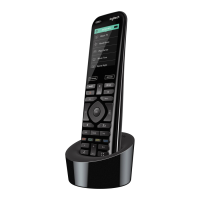
User Manual Harmony 890
Example
If you choose Television as the device, the number, volume and channel buttons will all control
your television.
Press DEVICE again to return to exit Device mode.
Using the Smart Buttons
While there is a default setting for the buttons in most Activities, you can customize these buttons to send
different commands.
See Changing the Behavior of Buttons Within an Activity.
Using System Options
Press System Options on your Harmony remote to:
• Set the time and date.
• Turn the slide show on/off.
• Temporarily turn the Remote Assistant on/off (available only if you selected the option under
Remote Preferences on home in the Harmony software—see
Using the Remote Assistant.)
v. 1.1 page 10




 To Next Page