Need help?
Do you have a question about the Logitech Harmony 600 and is the answer not in the manual?
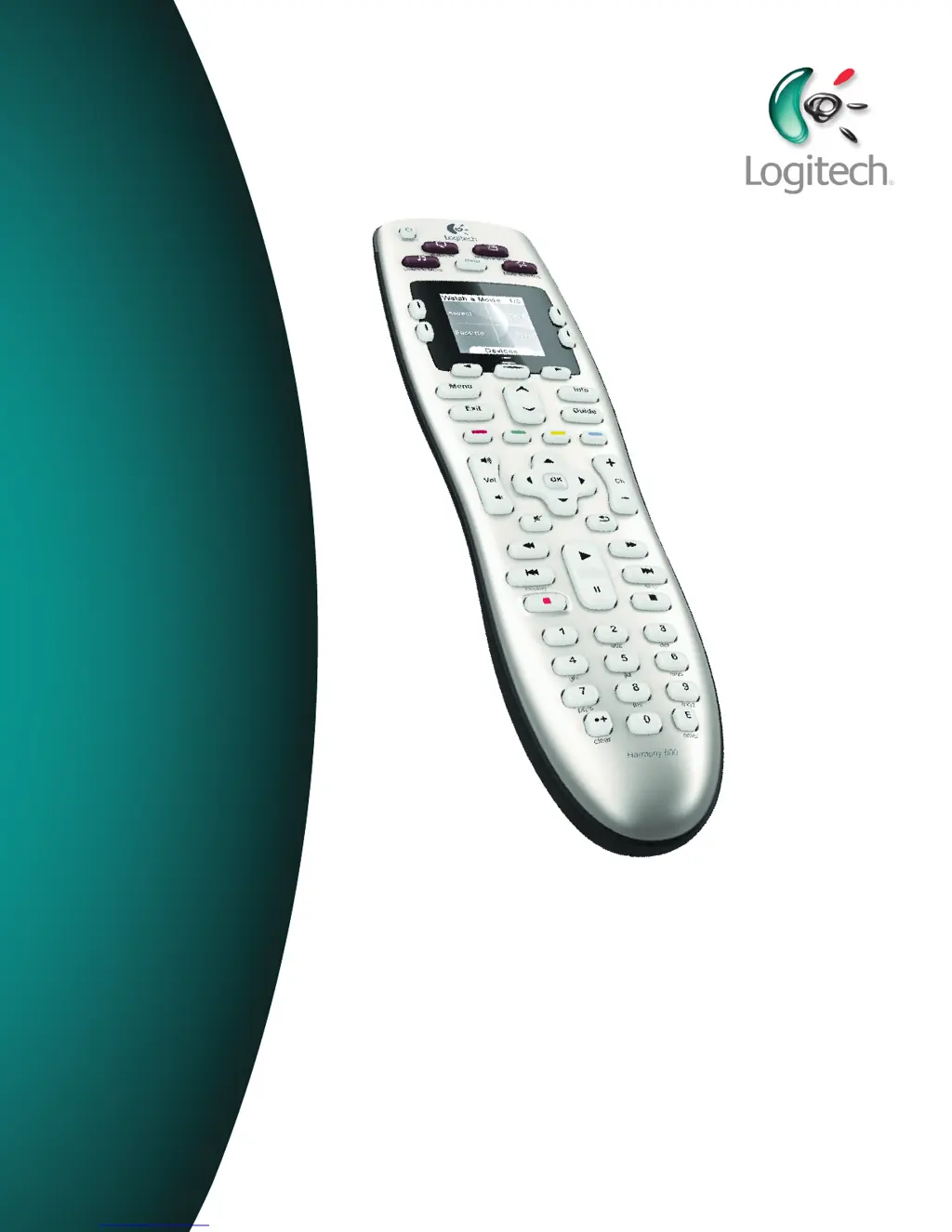
Explains the Activity-based IR universal remote control and Smart State Technology.
Defines Activities, Devices, and Inputs as fundamental concepts for the Harmony 600.
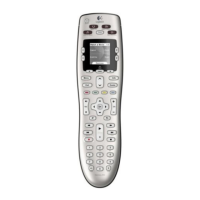
Detailed descriptions and functions of various buttons on the Harmony 600 remote control.
Explains how Activities are displayed and initiated on the remote screen.
Describes how to select and control individual devices from the remote screen.
Explains how to set up and use favorite channels for quick access on the remote.
Explains the status indicator for IR commands and page number display.
Details how to navigate and interact with the Harmony 600's screen using its buttons.
Guides on starting Activities and switching between them on the remote.
Describes how to power off all devices in the current Activity using the 'All Off' button.
Explains how to use the Help button to fix sync issues and re-synchronize the remote with devices.
Instructions on how to set up favorite channels via the Harmony Remote Software.
Steps on how to access and select favorite channels from the remote screen.
Outlines the five-step process for configuring the Harmony 600 for initial use.
Recommends filling out a worksheet with device details before starting the setup.
Provides guidance on finding manufacturer and model numbers on electronic devices.
Details the steps and checks for testing the Harmony 600's setup and activities.
Instructions for adding, removing, or modifying Activities using the Harmony Remote Software.
Explains how to change the name of an existing Activity within the software.
Guides on how to add, remove, or modify device settings in the Harmony 600 setup.
Details the process of teaching new IR commands to the Harmony 600 using its original remote.
Provides guidance on naming learned commands for easier management in the software.
Offers best practices for naming commands for improved organization and assignment.
Explains the Power On Delay setting for device warm-up time before receiving commands.
Describes the Inter-key Delay for command timing between button presses.
Explains the Input Delay for the time taken to switch between device inputs.
Instructions for updating the remote's internal software (firmware) via the Remote Software.
Guidance on testing the remote after firmware or software updates.
Explains how to transfer configuration from an old Harmony remote to a new model.
Addresses common problems like device power, input selection, and command sending with solutions.
Guides on identifying how device inputs are controlled using original remotes.
Information on how to reach customer support for assistance with the Harmony 600.
Guidance on accessing online help and FAQs for common questions.
Lists online resources like the Remote Software and FAQs for setup assistance.
A worksheet to gather essential information about entertainment components for remote setup.
Provides guidance on identifying device type, manufacturer, and model numbers.
 General
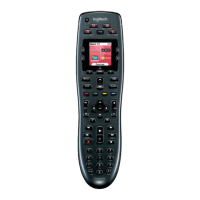
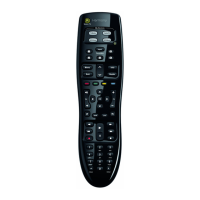
| Brand | Logitech |
|---|---|
| Model | Harmony 600 |
| Category | Remote Control |
| Language | English |


 To Next Page