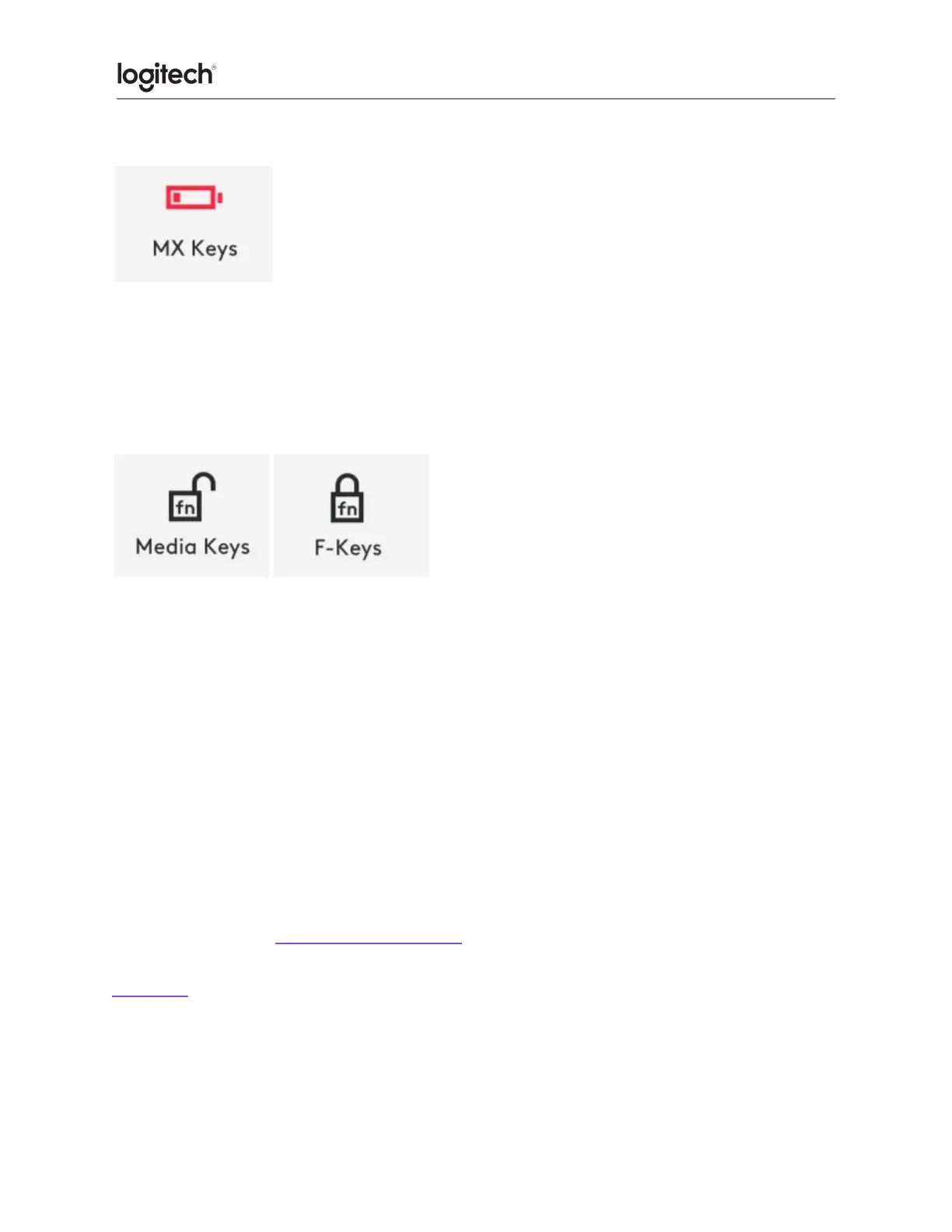
● Low battery
When your keyboard reaches 10% of battery left, backlighting turns OFF and you get a battery
notification on the screen.
● F-Keys switch
When you press Fn + Esc you can swap between the Media keys and F-Keys.
We’ve added a notification so you know when you’ve swapped the keys.
NOTE: By default, the keyboard has direct access to Media Keys.
Logitech Flow
You can work on multiple computers with your MX Keys Mini. With a Flow-enabled Logitech
mouse, such as MX Anywhere 3, you can also work and type on multiple computers with the
same mouse and keyboard using Logitech Flow technology.
You can use the mouse cursor to move from one computer to the next. MX Keys Mini
keyboard will follow the mouse and switch computers at the same time. You can even copy
and paste between computers. You will need to install Logitech Options software on both
computers and then follow these instructions.
Click here for a list of our Flow-enabled mice.





 To Previous Page