Software notifications
Install Logi Options+ software to get the most out of your keyboard. You can find more
information here.
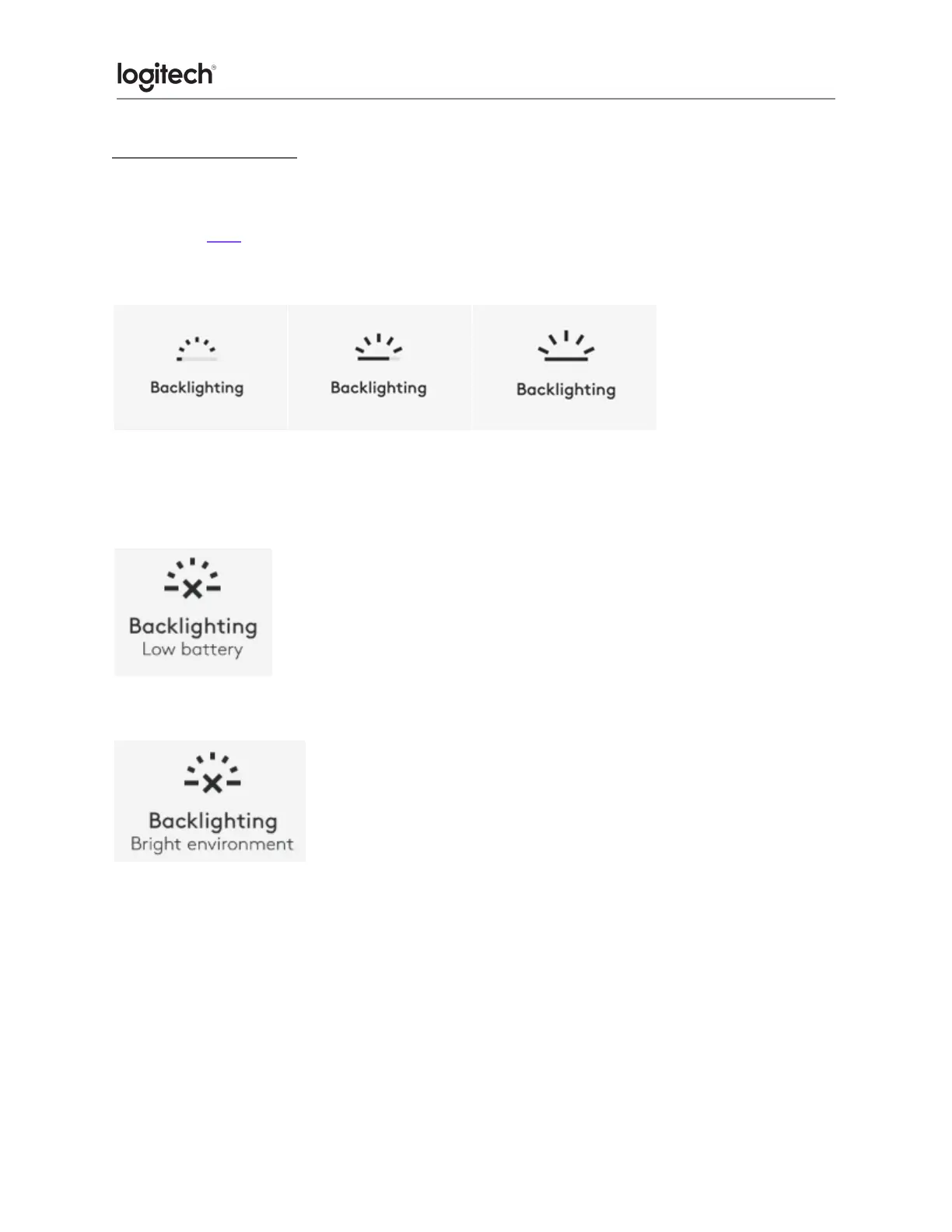
● Backlight level notifications
You can see the backlight level changes in real-time.
● Backlighting disabled
There are two factors that will disable backlighting:
When your keyboard has only 10% of battery left, this message will appear when you try to
enable backlighting. If you want the backlight back, plug in your keyboard to charge it.
When the environment around you is too bright, your keyboard will automatically disable
backlighting to avoid using it when not needed. This will also allow you to use it longer with
backlight in low light conditions. You will see this notification when you try to turn backlighting
ON.





 To Next Page