7
8
Play Through Round
The MT4300 becomes a one button
transmitter. Press PLL/2B to launch the
designated traps. The MT4300 will progress
to the next shooter and/or traps and wait for
the PLL/2B button to be pressed. In the case
of a No Bird press the NO BIR button and
the controller steps back in the sequence for
the target to be thrown again. ou can also
ump forward in the sequence by using the
SIP/4 button. This is best used if a shooter
drops out during a round.
Change Stands, Press ENTER
After each shooter has shot their designated
targets for that station singles and doubles,
the MT4300 will display Change Stands.
Press the NO BIR to re-throw the last
targets or press NTR to start the next
station.
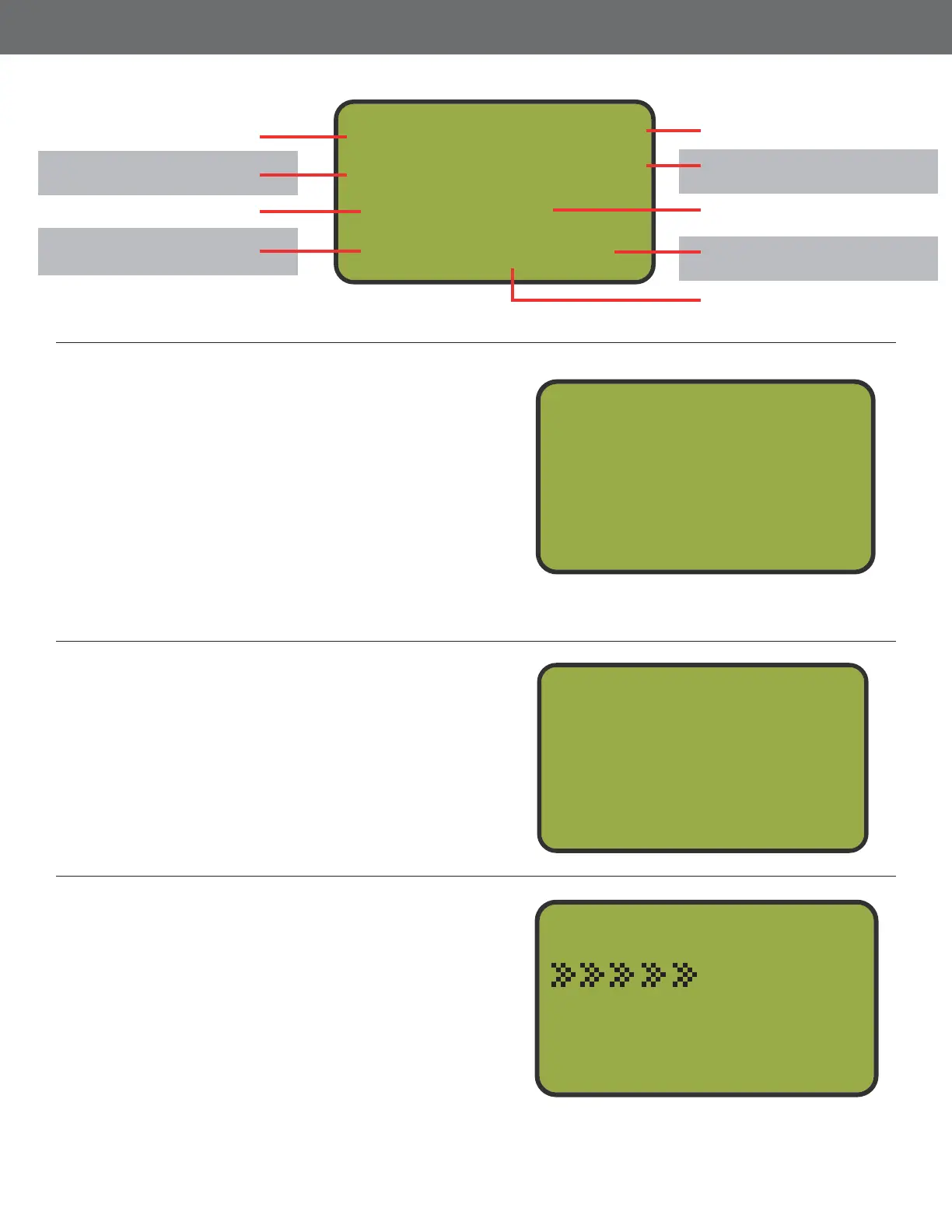
Menu1u Shooter 1
Stand 1
Single
NoBird-Pull-Exit
C
62
Finish the Round
Once all of the targets are thrown on the
nal station, the MT4300 will display Round
Finished. Press the NO BIR to re-throw the
last targets or press IT to end the round.
Pressing IT will bring you back to the Game
Menu.
9
FITASC Screen
11
Chosen Menu
Targets in Target Bank.
Only in Target TA Mode
Identies which shooter
is up.
Identies which stand is
being played.
Identies what kind of
target is next.
Press button 3 to back
out to the Game Menu.
Press button 2 to launch
the next targets.
Press button 1 for a
No Bird
Trap letter that will re.
Menu1u Shooter 1
Stand 1
Single
NoBird-Pull-Exit
C
Change Stands
NoBird or Enter
to Continue
Menu1u Shooter 2
Stand 3
Round Finished
NoBird Exit



 To Next Page