System Status
GamCtrl
BID 1
V6.50Si
Chn 1
E
F
3
System Status
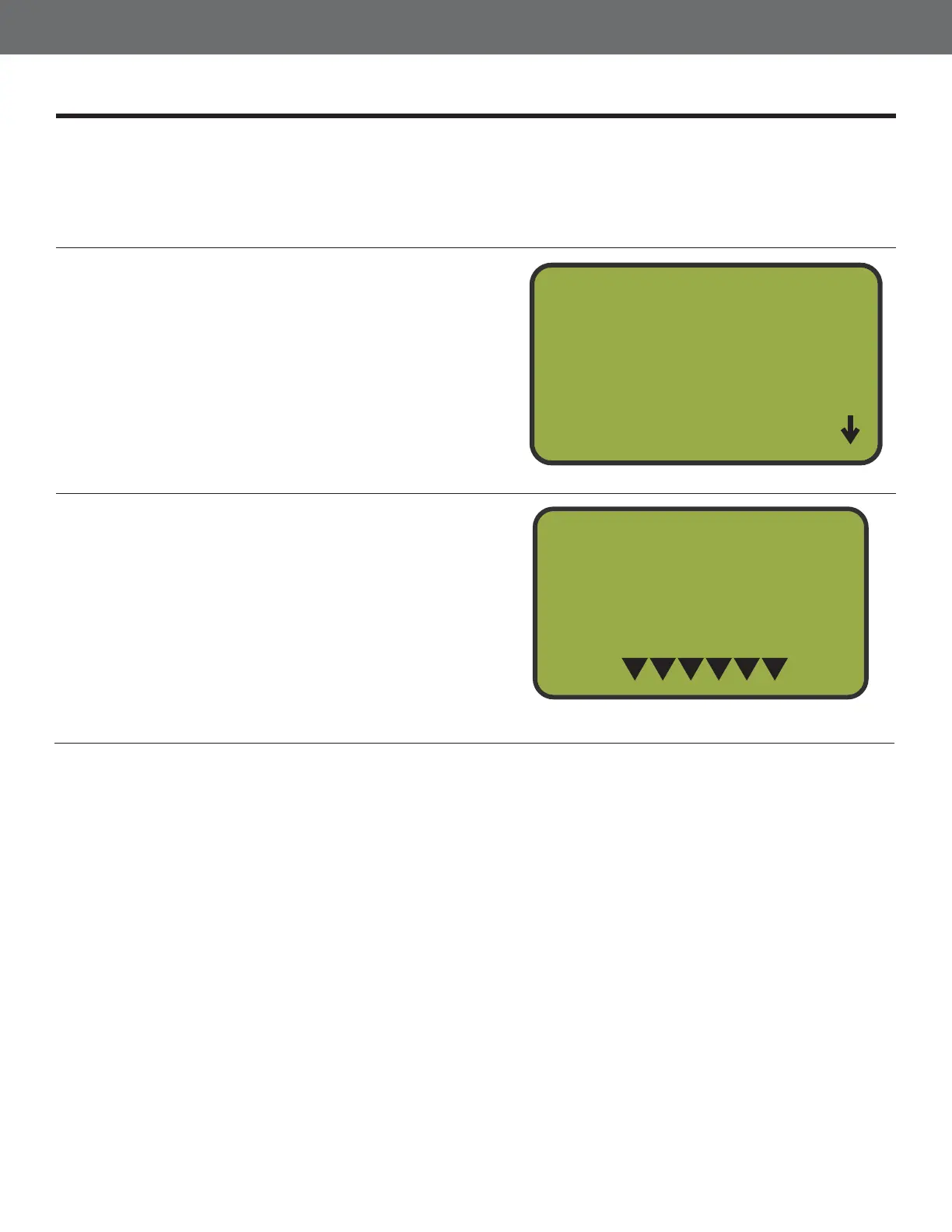
The System Status function displays the current state of the MT4300. The current software
version and channel are displayed as well as a meter which indicates battery life. The battery life is
represented by 6 triangles. An overnight charge is required to fully charge an exhausted battery. The
MT4300 may also stay plugged in without overcharging. ou can get to the System Status Menu from
the Main Menu.
1
2
Select Option 3, System Status
From the Main Menu, press button 3 to select
the System Status option.
Press BACK to Exit
Pressing the BAC button will bring you back
to the Main Menu.
Main Menu
1
2
Games
Manual Mode
3
System Status



 To Next Page