6
Press PULL
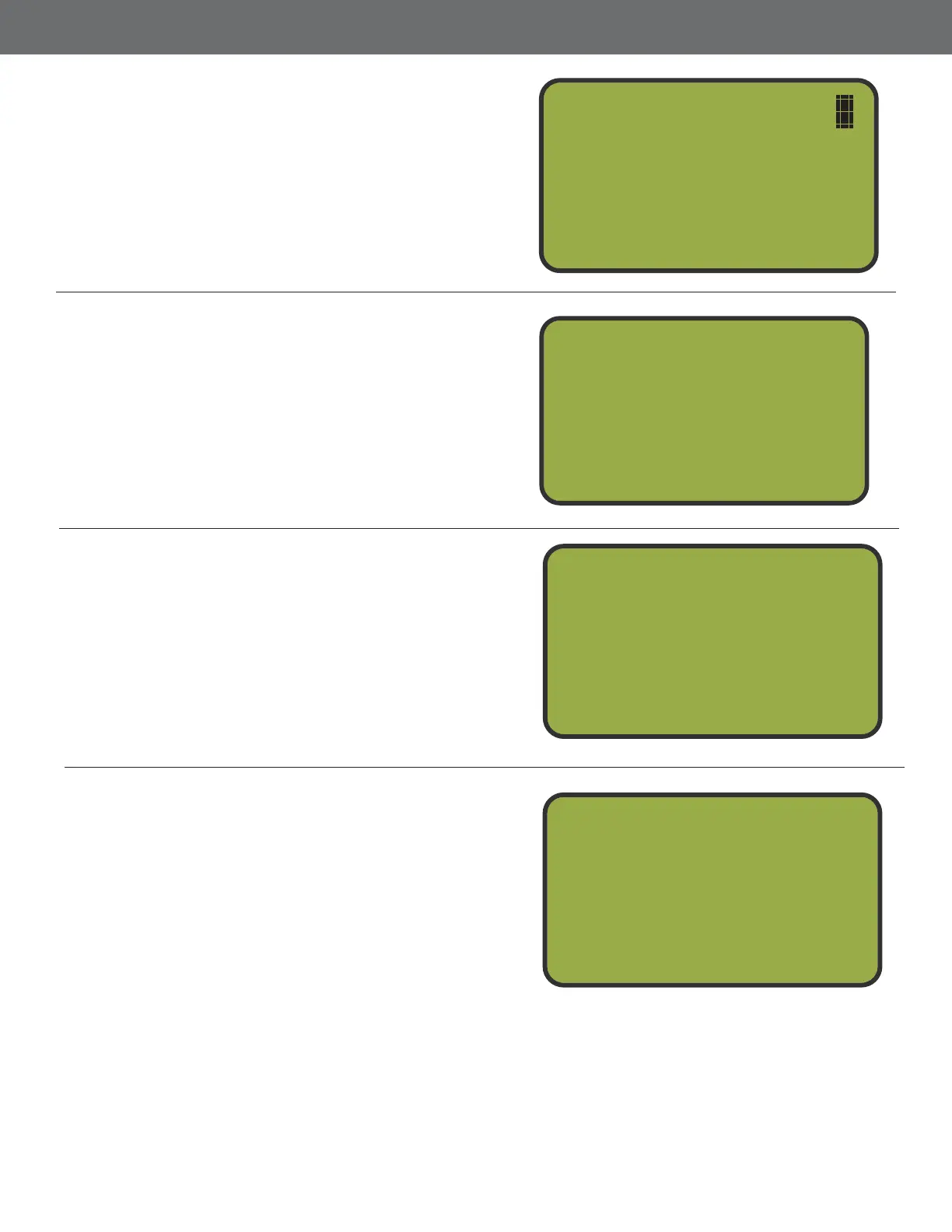
The Flush/Flurry is now ready to begin. The
screen displays the number of shooters and
total targets remaining in the Flush/Flurry.
Press PLL to re the initial launch.
Shooters = 4
Targets = 60
When Ready
Press Pull
Play Through Seuence
While the Flush/Flurry sequence is active,
press button 1 in case of a No Bird. Press
button 2 to pause the sequence, press button
2 to restart from that point. Press button 3 to
exit.
Finish Seuence
When the target count reaches ero or the
user presses button 3 to exit, the device will
ask if you would like to repeat the sequence.
Press button 1 if you would like to throw the
same sequence. Press button 2 to return to
the Game Menu.
Enter Number of Shooters and Targets
p to 9 shooters may participate in Flush/
Flurry Mode. Press button 1-9 to set the
amount of shooters and press NTR. Next,
enter the amount of targets max: 999 you
would like to re in total and press NTR.
Ta r g et 6 0
No Bird 0
Delay 4
NoBird-Stop-Exit
Cnt 49
Finished
Repeat Sequence
Yes
No
1)
2)
# of Shooters
# of Targets _
Press Enter
7
8
5
16



 To Next Page