4
Select User Programs
There are no predened menus for FITASC.
ou must have previously programed your
sequence in the Program Menu. Program
Menu is discussed in detail in a later section
20.
Select your User Program by pressing the
corresponding number 1-6. The screen will
back up to the Compak Menu.
*When a level is selected, this becomes the
default level and will not need to be selected
for each squad.
User Prog. 11
2
3
4
User Prog. 2
User Prog. 3
User Prog. 4
6
Select Option 1, # of Shooters
From the Compak Menu, press button 1 to
select the # of Shooters options.
# of Shooters
Press Enter
1 to 6
Compak
1
2
3
# of Shooters
Select Level
Main Menu
5
Enter Number of Shooters
nter number of shooters, from 1 to 6. Press
NTR. The menu will progress to the
Compak game mode screen.
18
Menu1u Shooter 1
Stand 1
Single
NoBird-Pull-Exit
1
34
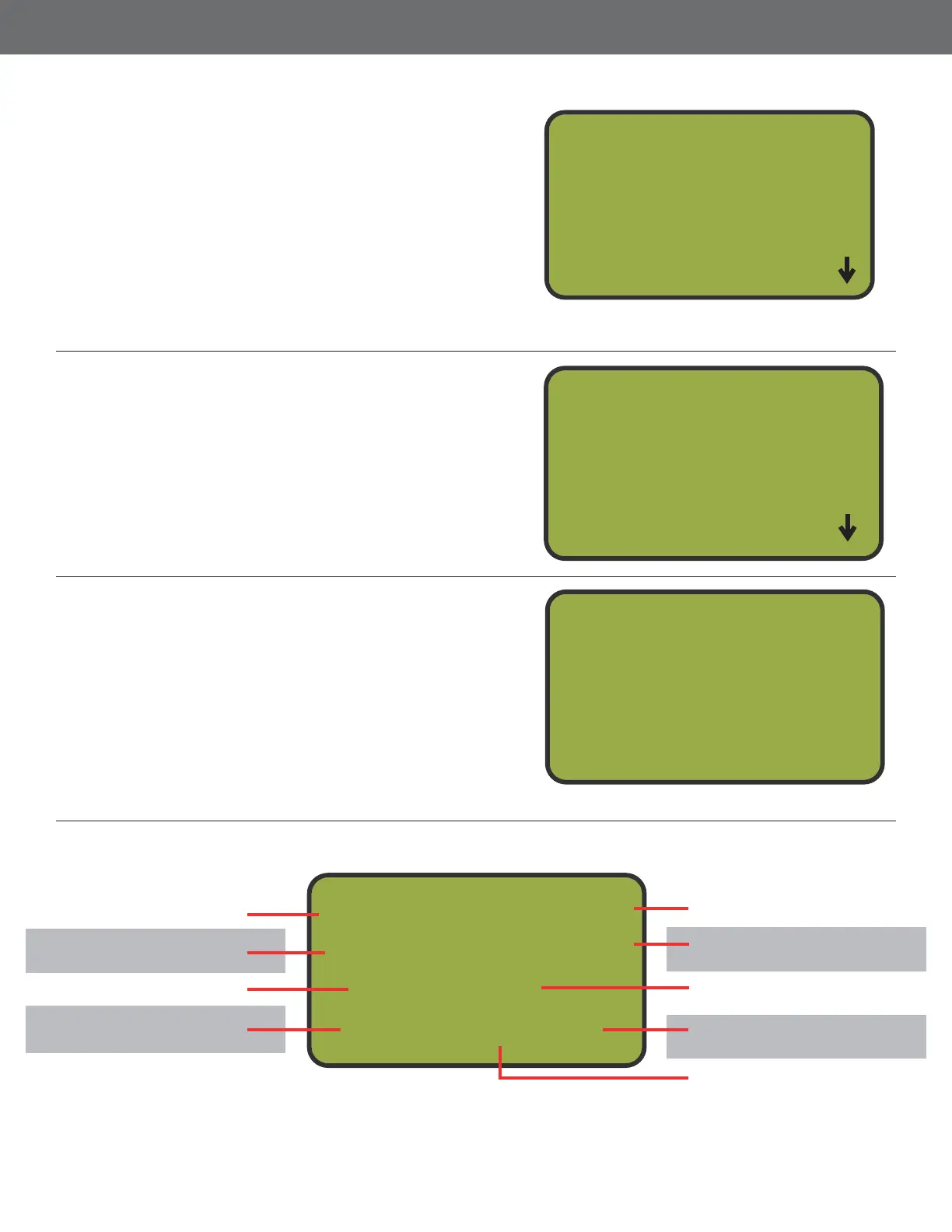
Compak Screen
Chosen Menu
Targets in Target Bank.
Only in Target TA Mode
Identies which shooter
is up.
Identies which stand is
being played.
Identies what kind of
target is next.
Press button 3 to back
out to the Game Menu.
Press button 2 to launch
the next targets.
Press button 1 for a
No Bird
Trap letter that will re.



 To Next Page