7
8
4.Footswitch:G
5.Back rpm :1. 2"
Footswitch:
Gated Trigger
Back rpm :
1.2"
1.System Setting
2.Control Mode
1.System Setting
2.Control Mode
4.Footswitch:G
5.Back rpm :1. 2"
Footswitch Setting
Footswitch has two kinds of working modes.
Trigger: Press footswitch, the pump star ts running; Press footswitch again,
the pump stops.
Gated: The pump runs as long as the footswitch is pressed.
Set Footswitch
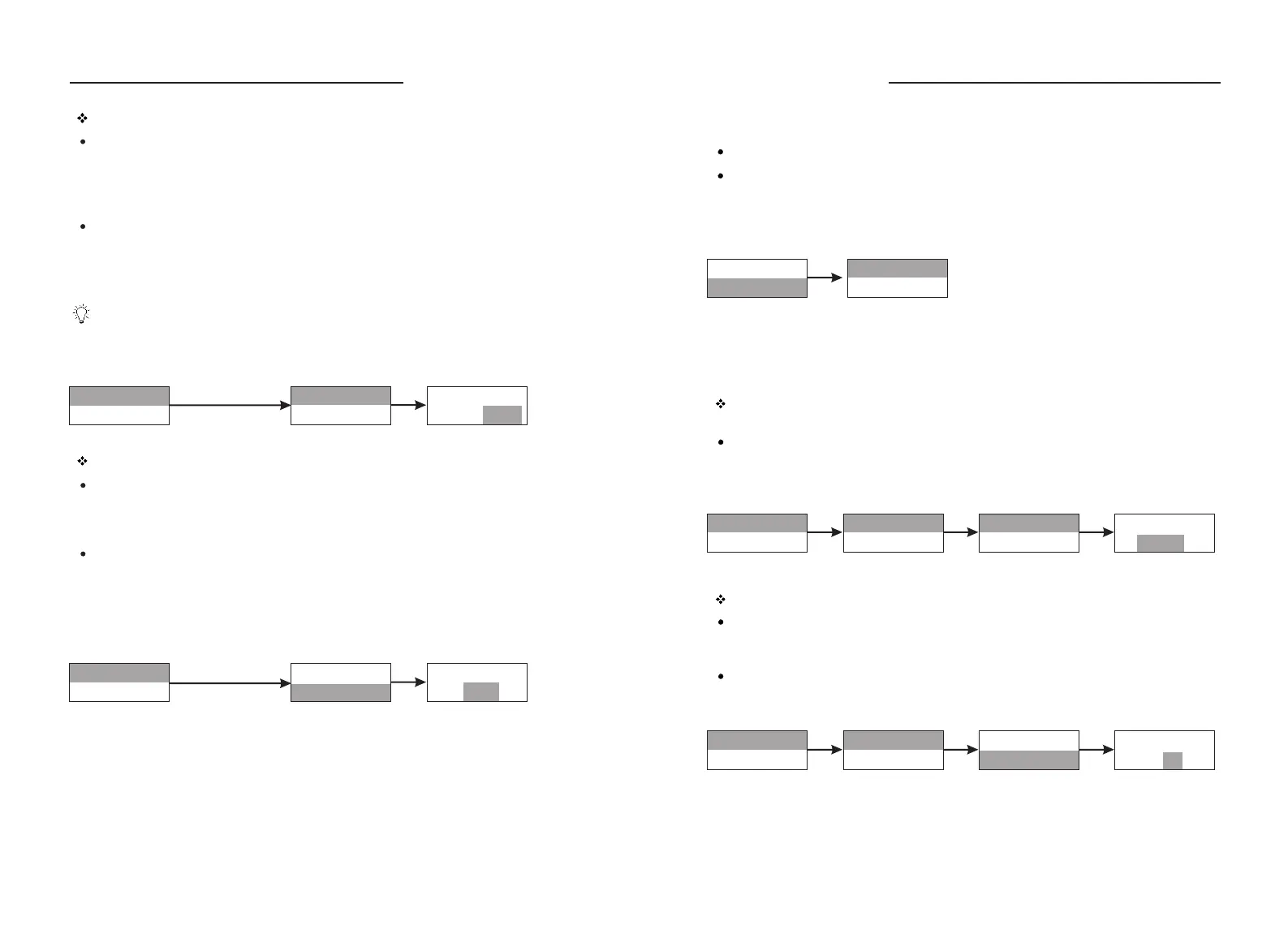
Press and turn Knob to highlight the footswitch line. Press Knob to enter next
interface, turn Knob to select Trigger or Gated, press Knob for confirmation.
Press Exit Key to return to previous menu.
The pump identifies the Longer Footswitch automatically. When the pump
connects the footswitch, the Star t/Stop Key on operating panel is invalid no
matter the external control setting is on or off.
Press and turn Knob
Press and turn Knob
Back suction rpm (revolutions per minute) Setting
In dispensing and filling state, to prevent the liquids from dropping to cause
error when the filling pauses, the pump will back-turn to suck back the liquids.
The back turn angle is the same for each filling operations, it doesn't influence
the filling accuracy.
Set back suction rpm:
Press and turn Knob to highlight the back suction rpm line. Press Knob to enter
next interface, turn Knob to select back suction rpm, press Knob for
confirmation. Press Exit Key to return to previous menu.
Flowrate
Dispensing
Disp Vol: 2.02mL
Copy No. :10
Disp Vol:
2.02 mL
Copy No.:
10
1.System Setting
2.Control Mode
1.System Setting
2.Control Mode
3.Disp Setting
4.Calibration
1.System Setting
2.Control Mode
3.Disp Setting
4.Calibration
Disp Vol: 2.02mL
Copy No. :10
Control Mode
The pump has two kinds of working mode: Flow Rates and Dispensing.
Set Control Mode:
Press and turn the knob to highlight control mode line. Press Knob to enter next
interface, turn Knob to select control mode, press Knob for confirmation. Press
Exit Key to return to previous menu.
Dispensing Setting
Before dispensing process, the parameters including pump head, tubing, back
suction rpm, dispensing volume, copy number, flow rates, pause time, etc. must
be set.
Dispensing Volume: the volume that the pump dispenses between every time
interval.
Press and turn Knob to highlight dispensing setting line. Press Knob to highlight
dispensing volume line. Press Knob again to highlight the value of the volume.
Turn Knob to select dispensing volume, press Knob for confirmation. Press Exit
Key to return to previous menu.
Copy No.: the total filling number in dispensing mode. Its range is from 0 to 9999.
Press and turn Knob to highlight copy number line. Press Knob to enter next
interface. Turn Knob to select copy number, press Knob for confirmation. Press
Exit Key to return to previous menu.
If the copy no. is “0”, the dispensing process of the pump will continue until
press Start/Stop Key or shut off the pump to stop dispensing.
WT600-1F OPERATING MANUAL
WT600-1F OPERATING MANUAL



 To Next Page