Camera Pairing to the Hub
8
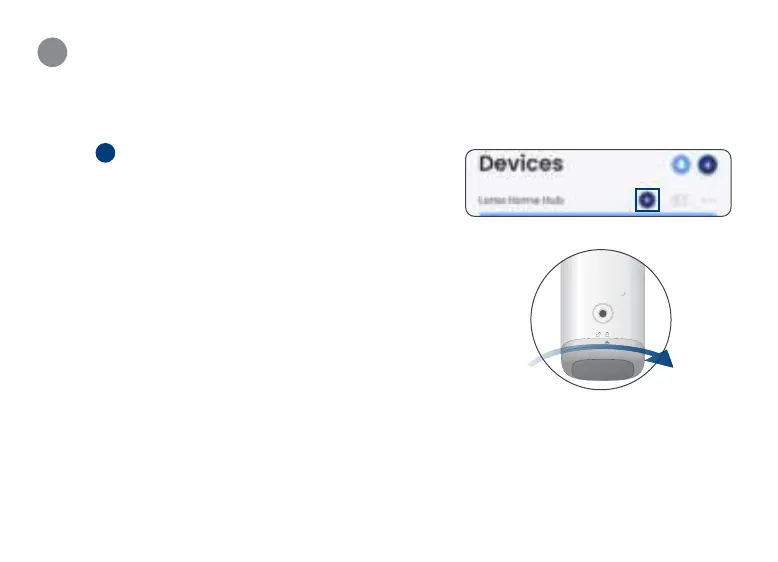
1. Open the Lorex Home app.
2. Tap
+
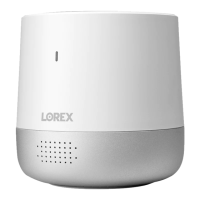
beside the Hub device and follow the in-app
instructions.
Note: Make sure you only pair 1 camera at a time.
3. Once the camera is set up, re-install the bottom cover
by carefully aligning the arrow and the unlock symbols.
Push and twist the bottom cover clockwise to lock.
4. Place or mount the camera in the desired location.
See sections 11 and 12.
5. To pair additional cameras, repeat steps 2-4.
From the Home screen or Live View, swipe left to see
the additional cameras.




 To Next Page