EasyManua.ls Logo

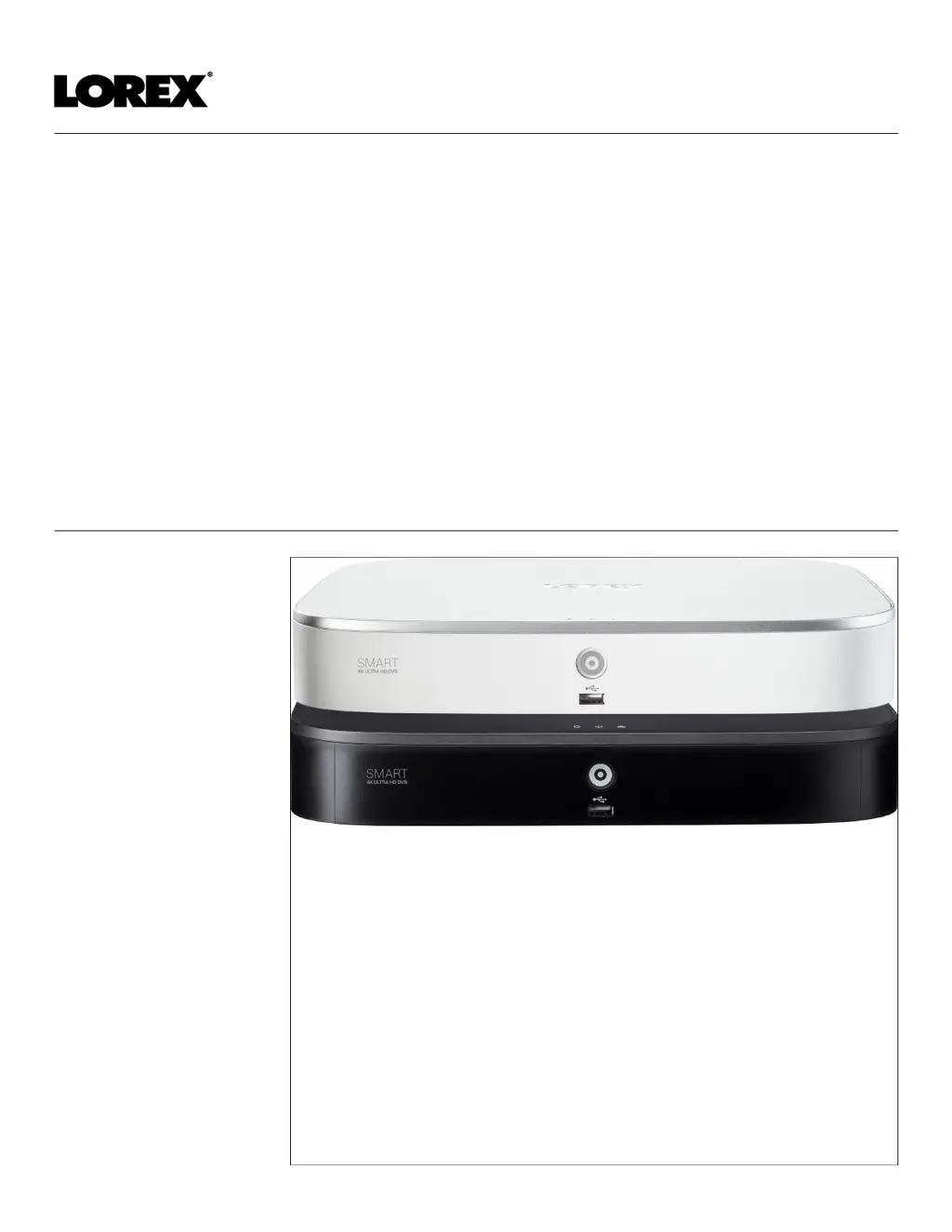
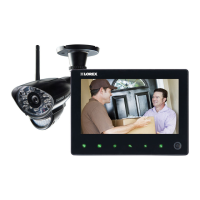
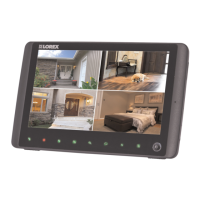
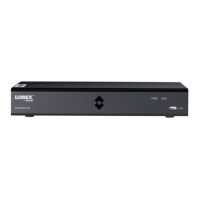
Lorex D861 Series - User Manual

Lorex D861 Series
122 pages
Print Icon
To Next Page IconTo Next Page
Loading...
User Manual
D861 Series

Table of Contents

Questions and Answers

  • M
    mcdonaldcourtneyJul 27, 2025
    What to do if my Lorex Security System is not receiving power?
    • K
      kayla54Jul 27, 2025
      If your Lorex Security System isn't powering up, start by checking the power connections. Ensure the cable from the power adapter is securely plugged into both the system and the power outlet. If the connections are good, confirm the system is powered on by checking the LED indicators. If connected to a power bar or surge protector, try plugging directly into the wall. Also, test the outlet with another device or try a different outlet.
  • J
    jamesvaughnAug 12, 2025
    Why is my Lorex Security System hard drive not detected?
    • S
      Shane JohnsonAug 12, 2025
      If your Lorex Security System isn't detecting the hard drive, it could be due to loose or improperly connected hard drive cables. Remove the housing and check that hard drive cables are firmly connected. Another possibility is that there is no hard drive installed in the system. In this case, open the housing and install a compatible hard drive.

Lorex D861 Series Specifications

General IconGeneral
Push NotificationsYes
Storage TypeHDD
DVR Channels8
Remote ViewingYes
Operating Temperature-10°C to 50°C
Camera TypeBullet
Night VisionYes
Motion DetectionYes

Related product manuals