Home Hub Setup
5
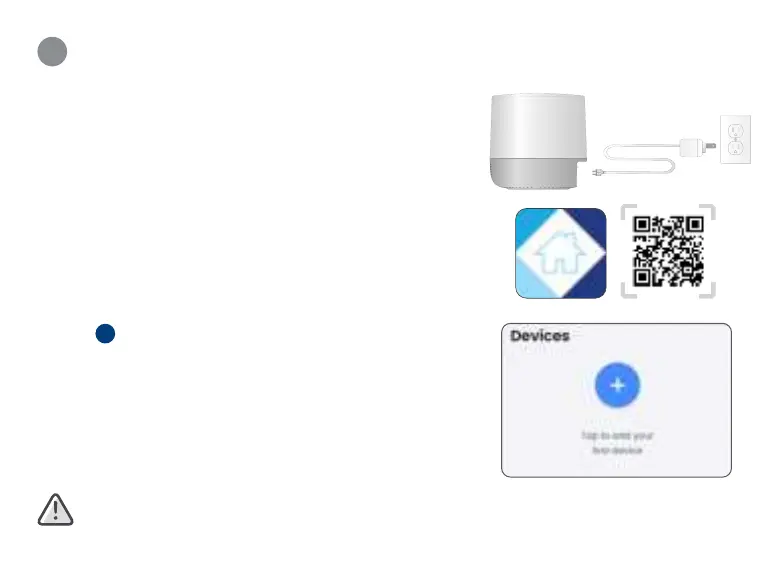
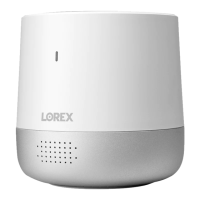
1. Connect power to the hub with the power adapter and
cable. When you hear the chime and the status indicator is
flashing green, the device is ready for setup.
2. Download the
Lorex Home app by scanning the QR code.
3. Open the
Lorex Home app, and sign in or create an
account.
4. Tap
+
in the app to add the device, then follow the in-app
instructions to complete the setup.
Recommended: Select Wired Connection and use the provided
Ethernet cable to connect the hub to your router.
Ensure you upgrade to the latest app and Hub rmware version.




 To Next Page