Lovibond
®
PFXi Series Operator’s Instruction Manual V1.6
Page 32 of 53
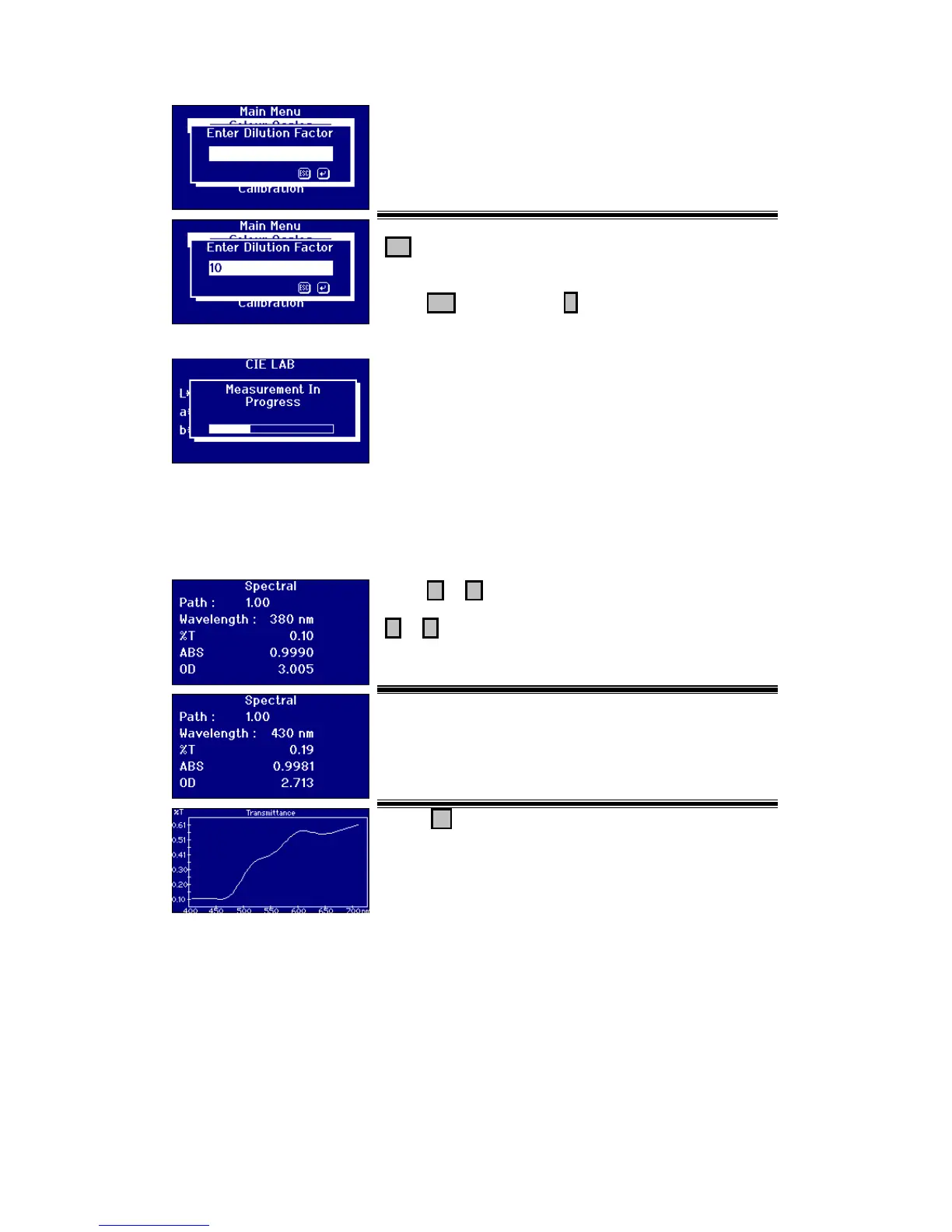
If the Dilution factor has been set to manual the following
screen will appear.
Use the numeric keys to enter the value required. Press
Del to delete the last character entered if a mistake is
made.
Press Esc to exit or press to accept the value.
The progress bar shows the status of the measurement.
When the measurement has been completed, the screen will
show the result.
Displaying Results
Spectral Information
Press or to change the wavelength value or press
or to scroll through the selected colour scales.
Press F2 to switch the display between text and
graphical display of the result.








 To Next Page