2
|
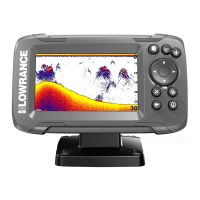
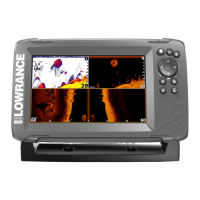
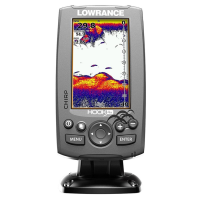
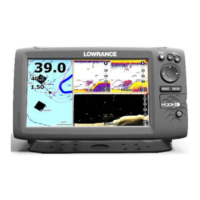
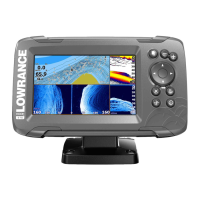
HOOK2 4x Sonar | Quick Guide - EN
Pages
• Toggle between the Sonar and the
Flasher pages by pressing the Pages
key
• Zoom the sonar image by using the
Zoom keys
By default the unit is set to Auto mode, and all settings are automated.
• Change to Custom mode to allow for customizing the settings.
Overlay data
By default, 3 data items are displayed on the image. The data items are
predened (depth, temperature and voltage), and the position is xed.
The data items can be turned on/o from the System Controls dialog.
Each data item can be removed individually from the image:
1. Select the Edit overlay option in the System Controls dialog to turn
the unit into edit mode
2. Press the Menu/Enter key to display edit options
3. Press the X key to leave edit mode
Settings dialogs
Used for system conguration.
Shop the largest selection of reliable marine electronics and navigation in our online store.


 To Previous Page
 Loading...