| 41
Hailer / Fog Horn | Link-9 User Guide
Hailer / Fog Horn
An appropriate Hailer speaker must be connected to the Hailer
wiring before the HAILER or FOG HORN functions can be used.
Using the Hailer (PA) function
The Hailer function allows you to make an announcement at high
volume through the Hailer speaker to people or vessels using the
hand mic.
The Hailer function also features a LISTEN mode - this mode uses
the Hailer speaker as a microphone to listen for a response on the
main radio.
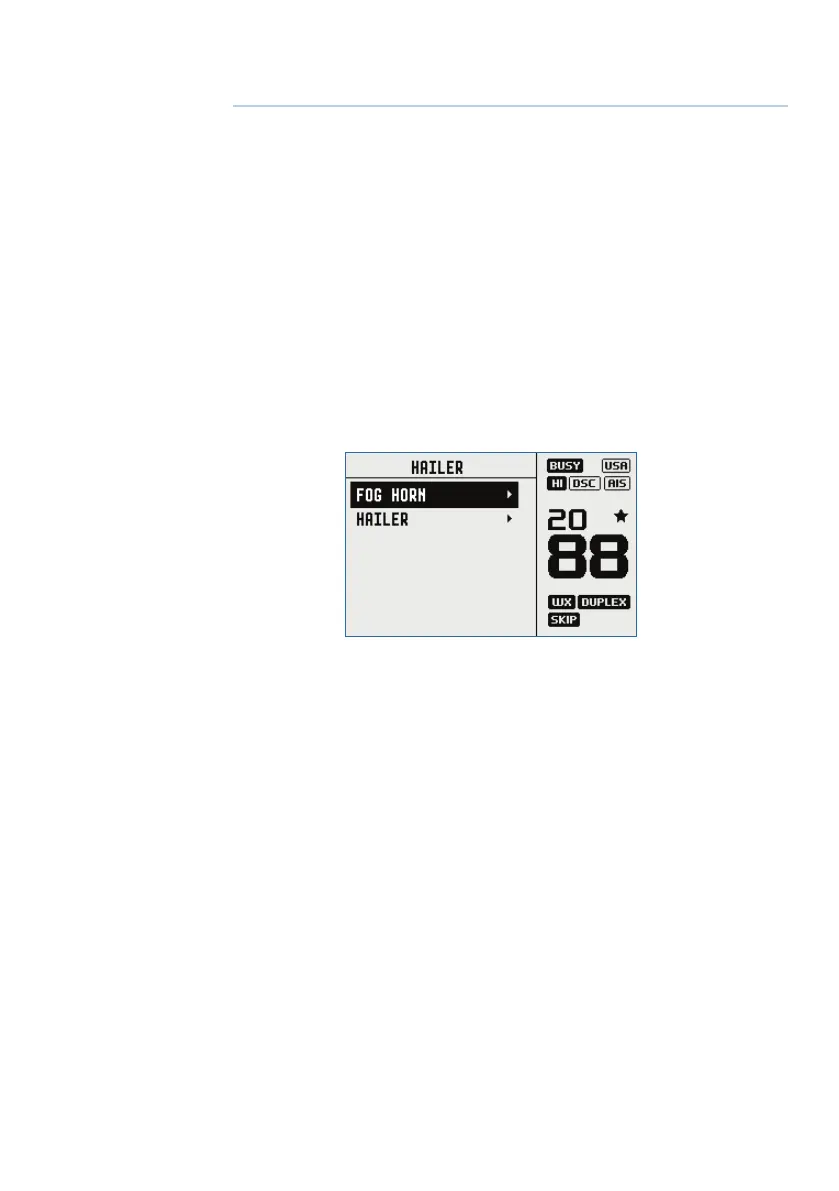
1. Long press the AIS/IC button to enter IC mode.
2. Select HAILER and press ENT.
• Press PTT to talk through the hailer. Rotate the volume knob to
change the volume. Volume can only be changed while the PTT is
pressed.
• Release PTT to LISTEN for a response.
• Press X to return to normal radio operation mode.
5


 To Next Page