4
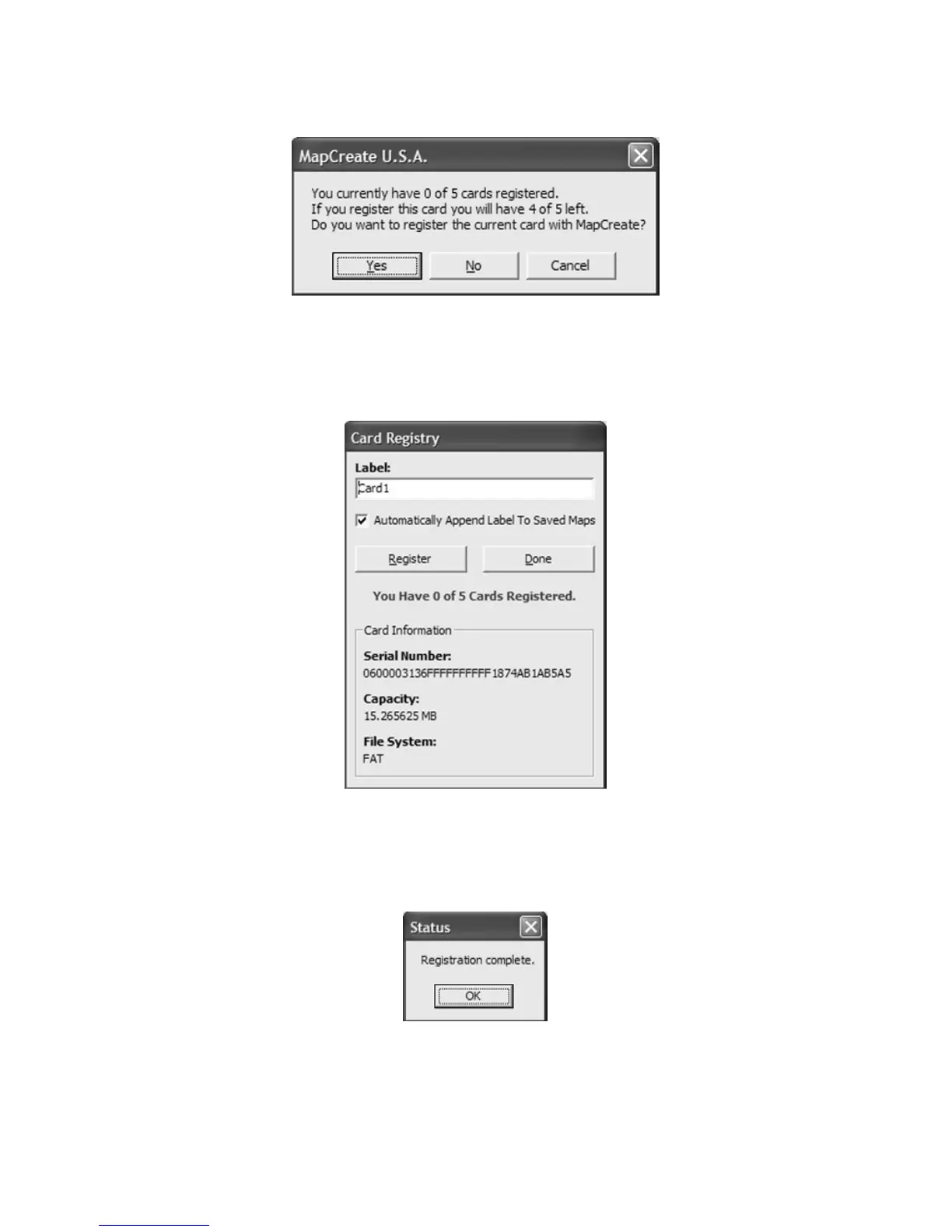
7. Another message box asks whether you want to register your current
card or not. Click
YES to continue the card registration process.
Click Yes to register your current memory card with MapCreate.
8. You can change the label on your memory card if you prefer. Delete
the default name, "Card1," and enter the new name. Click
REGISTER to continue.
Delete the default label, if you prefer, and enter a new name. Then
click Register to continue.
9. Another message box tells you when your card has been registered.
Click
OK to continue.
Click OK to continue the create map process.
10. The Card Registry window appears again. Click DONE to save your
map.



 To Next Page