38
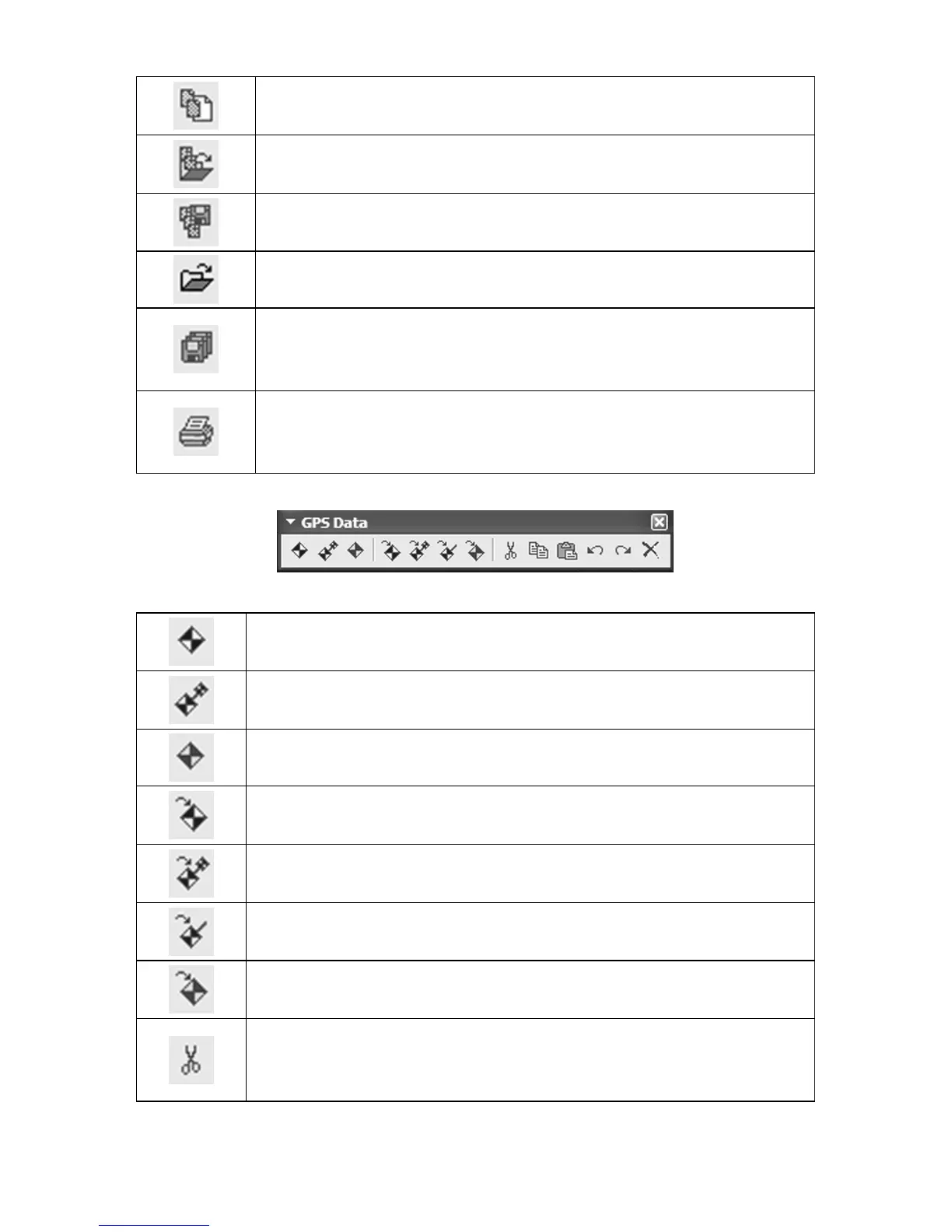
New Map Border File: clears or erases from the screen
any map borders appearing on the Master Map.
Open Map Border File: opens a map border file previ-
ously saved by MapCreate.
Save Map Border File: saves to disk any new or edited
map borders displayed on the Master Map.
Open Map: opens a map saved to disk.
Save All: saves a map border file and then a GPS data
file, when both types of information are displayed on the
Master Map.
Print Master Map: prints the current Master Map
window display, including any GPS information shown
on the map.
GPS Data toolbar
Create Waypoints: lets you set a waypoint on the Mas-
ter Map.
Create Route: lets you create a route on the Master
Map, with waypoints in a sequence.
Create Icons: Lets you set an icon on the Master Map.
Insert Waypoint: opens a dialog box that lets you set a
waypoint on the map by entering position coordinates.
Insert Route: opens a Route Waypoint List window and
creates an "empty" route with no waypoints.
Insert Route Waypoints: lets you change a route by
inserting new route waypoints.
Insert Icon: opens a dialog box that lets you set an event
marker icon on the map by entering position coordinates.
Cut: deletes text or a selected GPS data item from a
waypoint list, route waypoint list or icon list and puts it
in the Windows clipboard.



 To Next Page