39
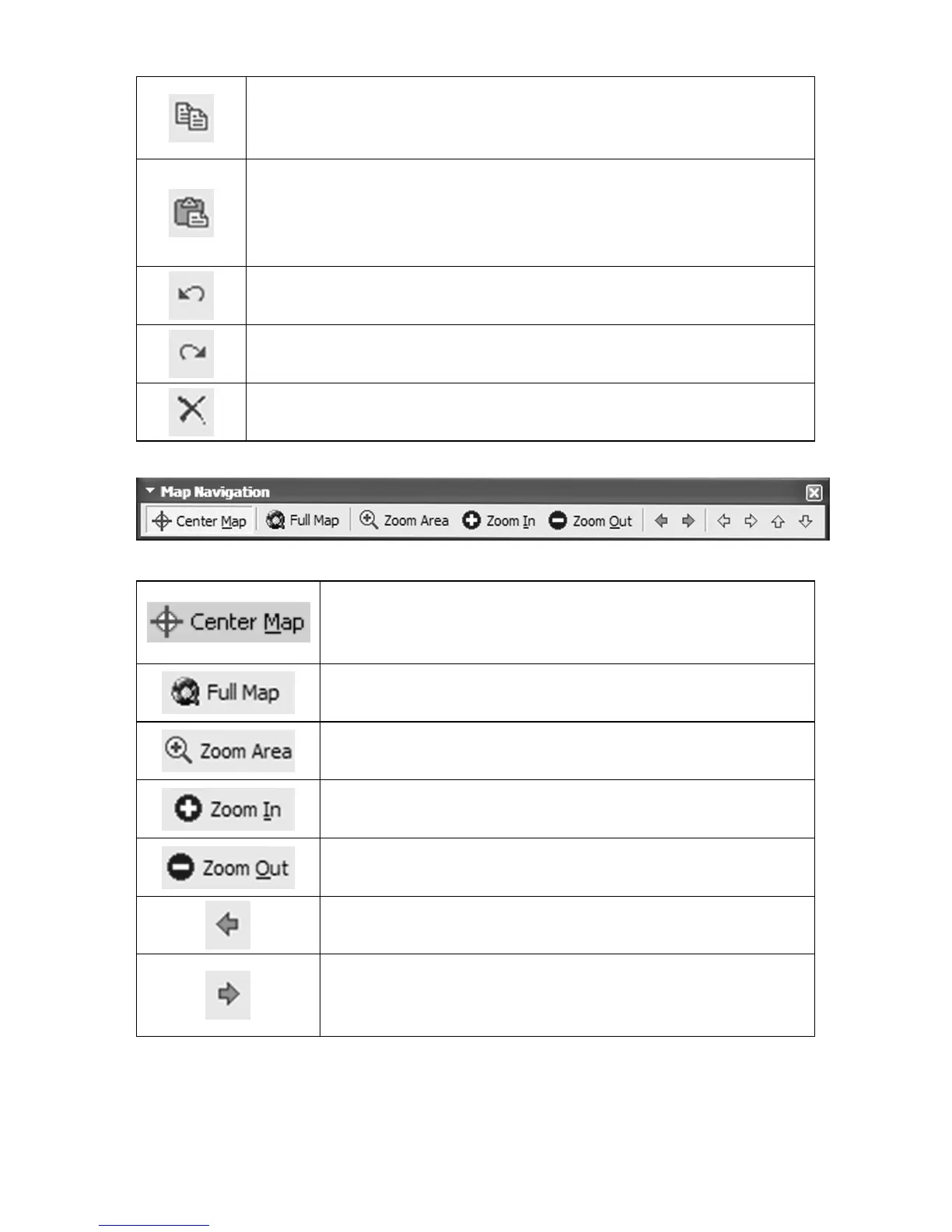
Copy: copies text or a selected GPS data item from a
waypoint list, route waypoint list or icon list to the Win-
dows clipboard.
Paste: inserts text from the Windows clipboard. Inserts a
GPS data item from the Windows clipboard into its re-
spective list window. (You cannot paste one type of GPS
data into a list window for a different data type.)
Undo: lets you reverse a command or function you have
executed.
Redo: lets you re-run a command or function you had
previously reversed using the Undo command.
Delete: erases a selected item from a waypoint list, route
waypoint list or icon list.
Map Navigation toolbar
Center Map: clicking with your mouse anywhere
on your map puts the point you clicked on at the
center of the screen.
Full Map: displays the map at the original de-
fault zoom setting.
Zoom Area: lets you drag a selection box to zoom
in on a specific area on the map.
Zoom In: reduces the number of square miles
displayed on the Master Map Window.
Zoom Out: increases the number of square miles
displayed on the Master Map.
Back: displays the previous view of the map.
Forward: displays the view of the map that was
on the screen before the "Back" button was
clicked.



 To Next Page