32
The MapCreate Screen
When you start MapCreate, the opening splash screen appears while
the program is loading. It will take a moment or two for the program to
load the map detail.
MapCreate 6 splash screen appears while program is loading.
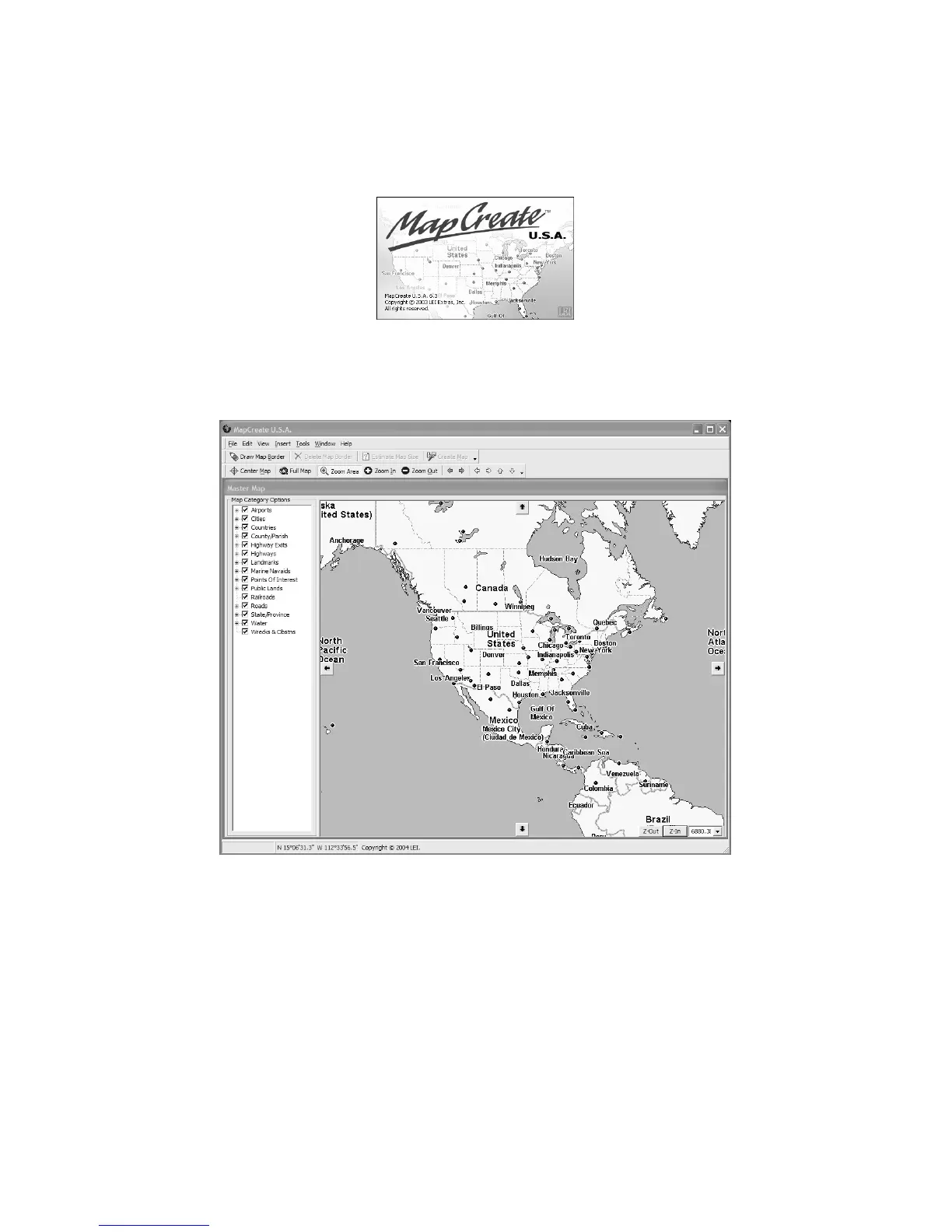
Once it's finished loading, you'll see a screen that looks like this, with a
map of the world and the Map Categories window open:
MapCreate 6 opening screen.
MapCreate has several other windows that are used to control mapping
data. If they were all opened, or turned on, the program interface would
look like this (labels have been added for illustration):



 To Next Page