53
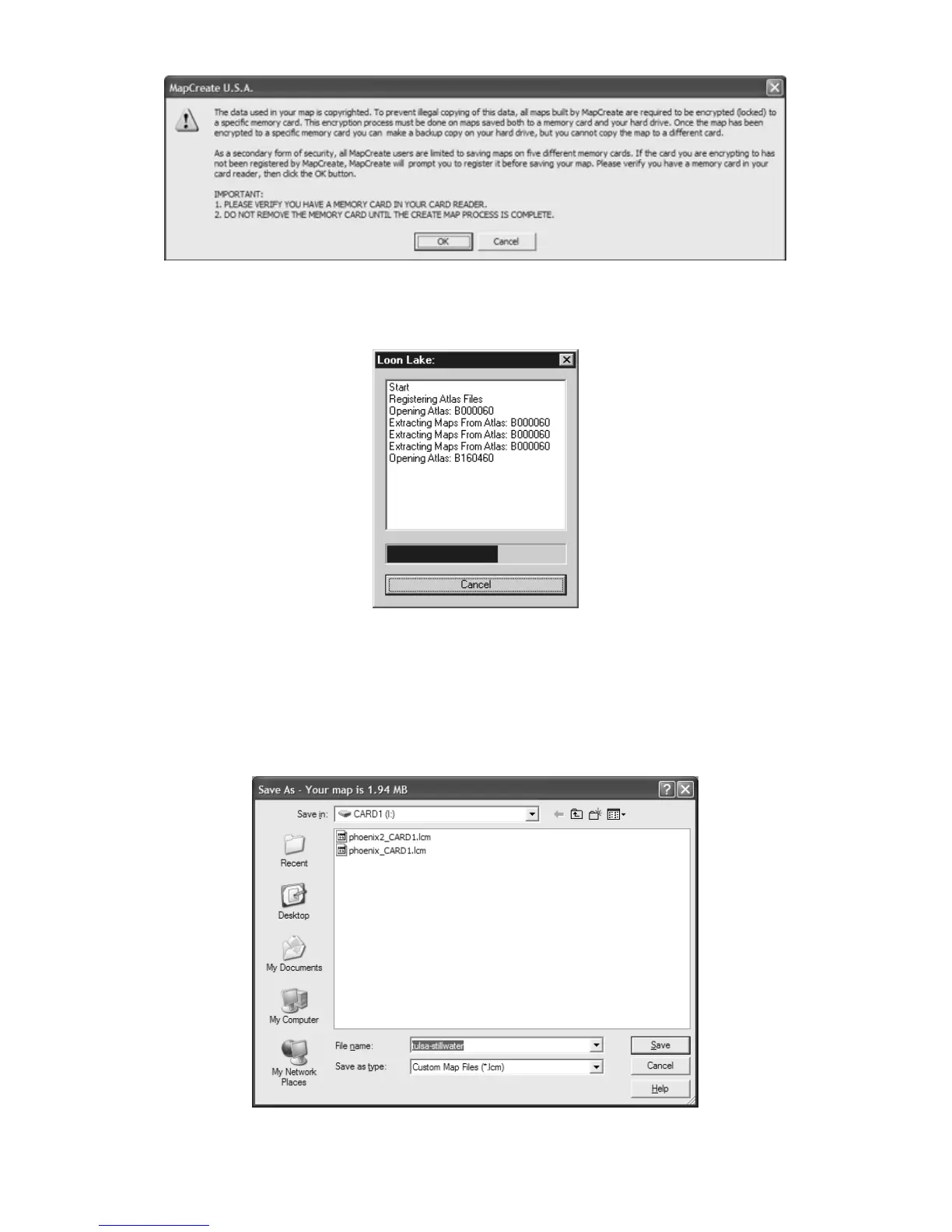
Read the message, and then click OK to continue.
3. A progress dialog box will appear while MapCreate extracts the nec-
essary information and builds the Map File.
Building Map Progress dialog box.
4. When the map has been built, the Save As dialog box appears. Note
that the file size of the map is shown in the title bar and in the status
bar at the lower left corner of the MapCreate screen. In the example
below, the size is approximately 1.94 MB.
Type a name in the
FILE NAME text box and click SAVE.
Save As dialog box showing map size in title bar



 To Next Page