71
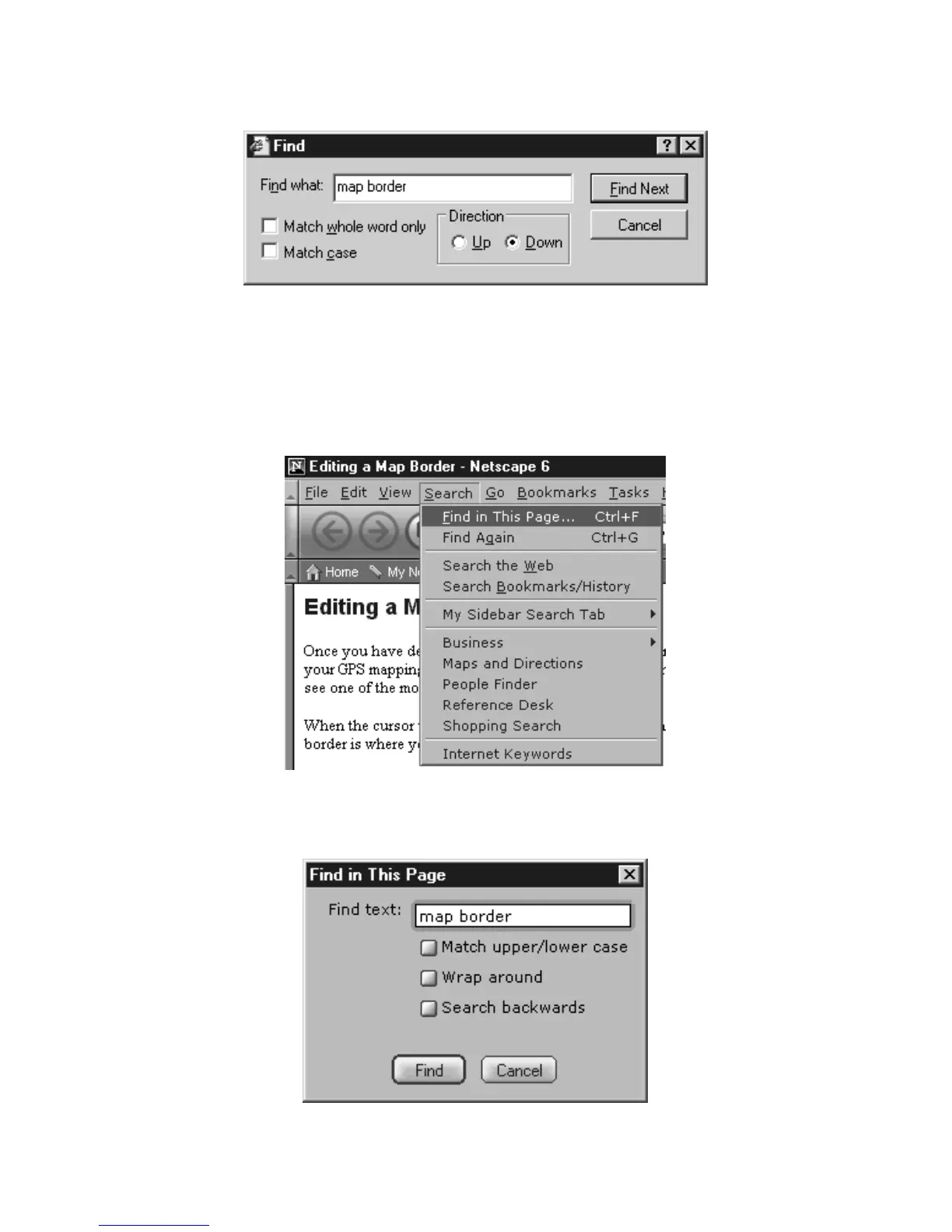
3. In the
FIND WHAT: box, type the term, phrase or command you are
looking for, adjust any options such as up or down, then click
FIND NEXT.
Search a Help document for the term "map border."
Netscape 6 browser:
1. Click somewhere on the help page you intend to search. This makes
sure your browser will search the correct page.
2. Click
SEARCH|FIND IN THIS PAGE or use the shortcut keys Ctrl+F to begin
your search
.
Use Netscape's Find command to search Help documents.
3. In the FIND TEXT: box, type the term, phrase or command you are look-
ing for, adjust any options such as search backwards, then click
FIND.
Search a Help document for the term "map border."



 To Next Page