84
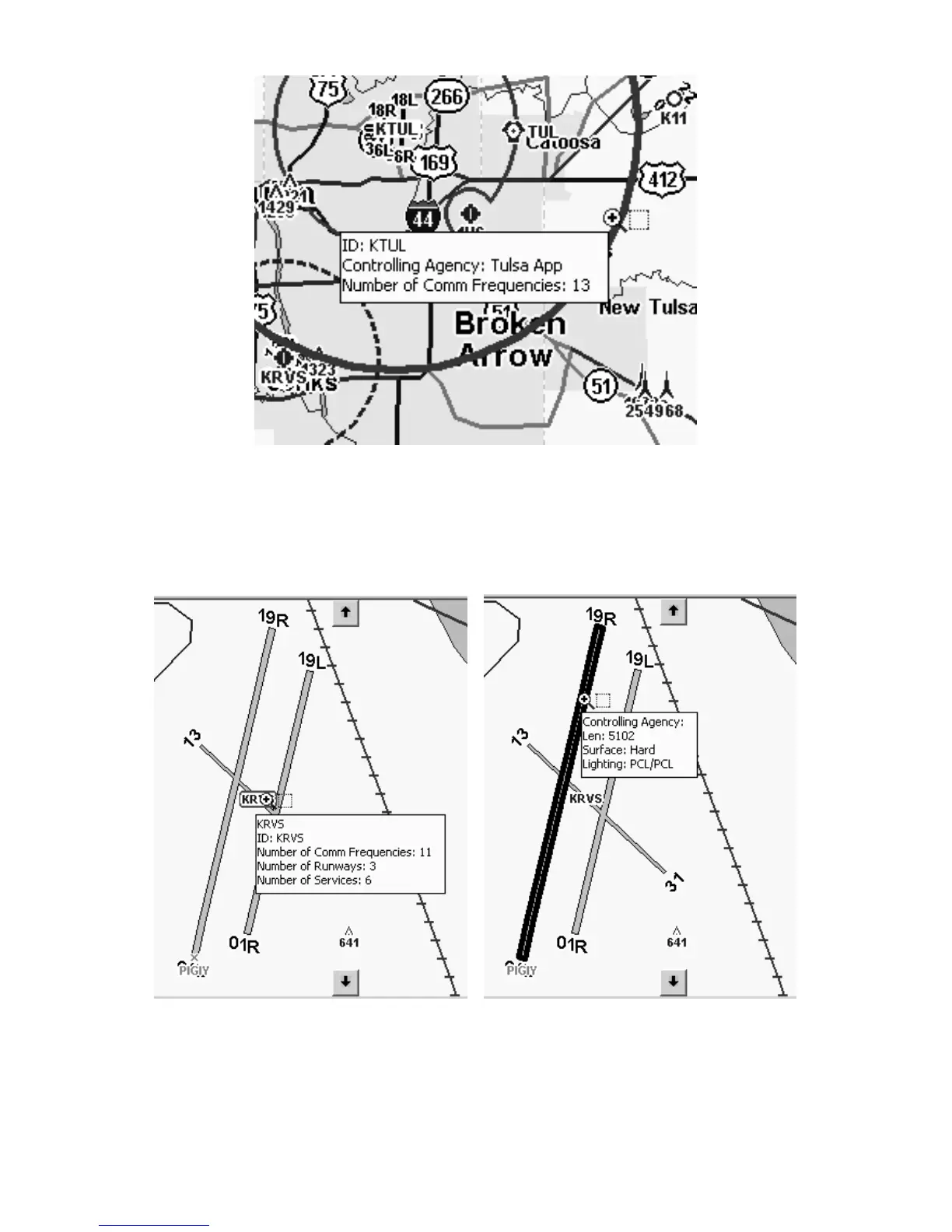
Jeppesen airspace data displayed in a MapCreate pop-up box.
Point to an airport identifier and you'll see a pop-up box with the num-
ber of communication frequencies, number of runways and number of
services available at that field. Point to a runway, and you can see its
length, surface type and lighting.
Jeppesen airport (left) and runway information (right)
displayed in MapCreate pop-up boxes.



 To Next Page