29
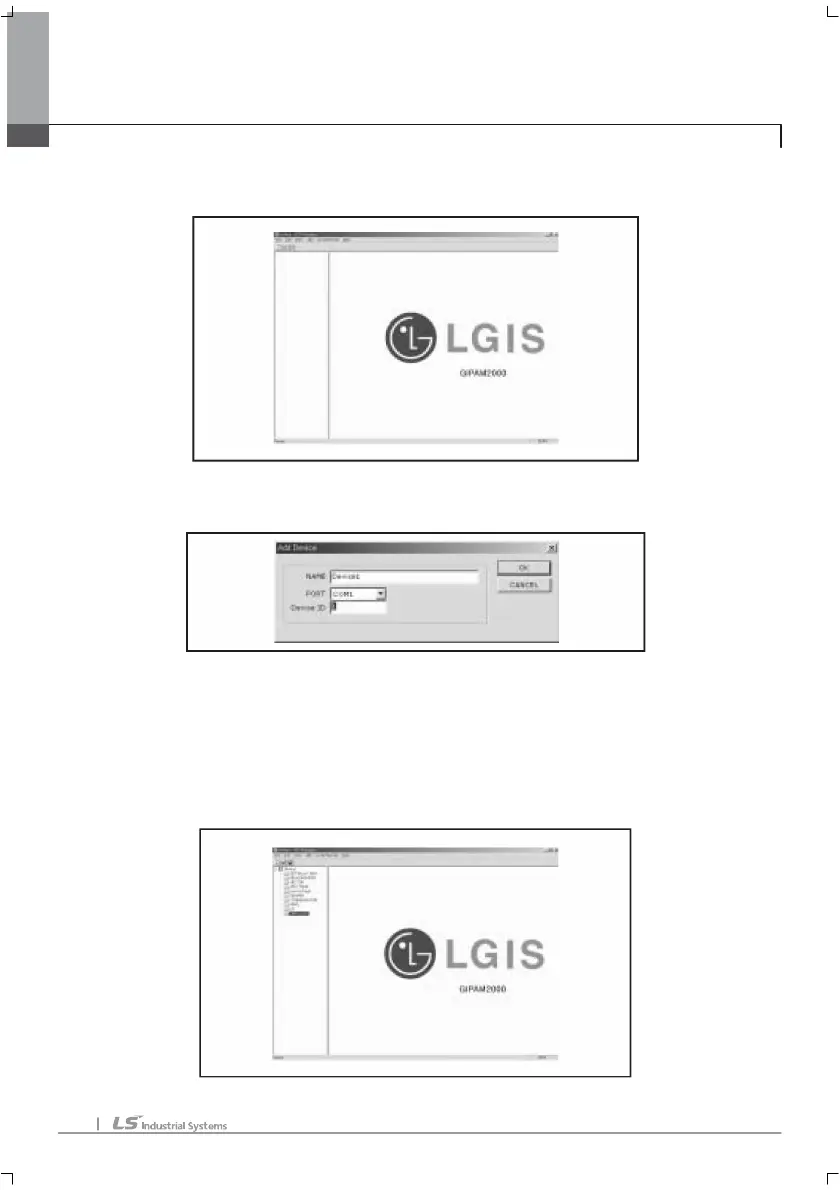
Operate PC program. Following picture sill be displayed.
To connect program with GIPAM2000, user must register GIPAM2000 to this
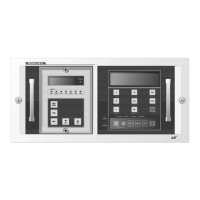
program. Select and click Add/Device, following picture will be displayed.
• NAME: user can input device name wants. Default name is ‘Device1’.
• PORT: user must select serial port which used in PC in this menu. Default is
‘COM1’.
• Device ID: user must input the device ID of GIPAM2000. Device ID can be set up or
supervised in SYSTEM CONFIG>ENVIRONMENT CONFIG menu in GIPAM2000.
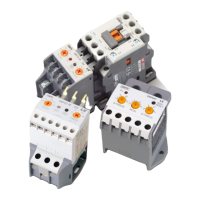
And click OK, program will display follow picture.
2. PC interface (program option)
2. PC interface (program option)2. PC interface (program option)
2. PC interface (program option)



 To Next Page