Chapter 5 Positioning Instructions
5 - 12
5.2.4 Indirect Starting Instruction
• Indirect starting refers to execution of the positioning operation by using the operation step data set in
the positioning operation data.
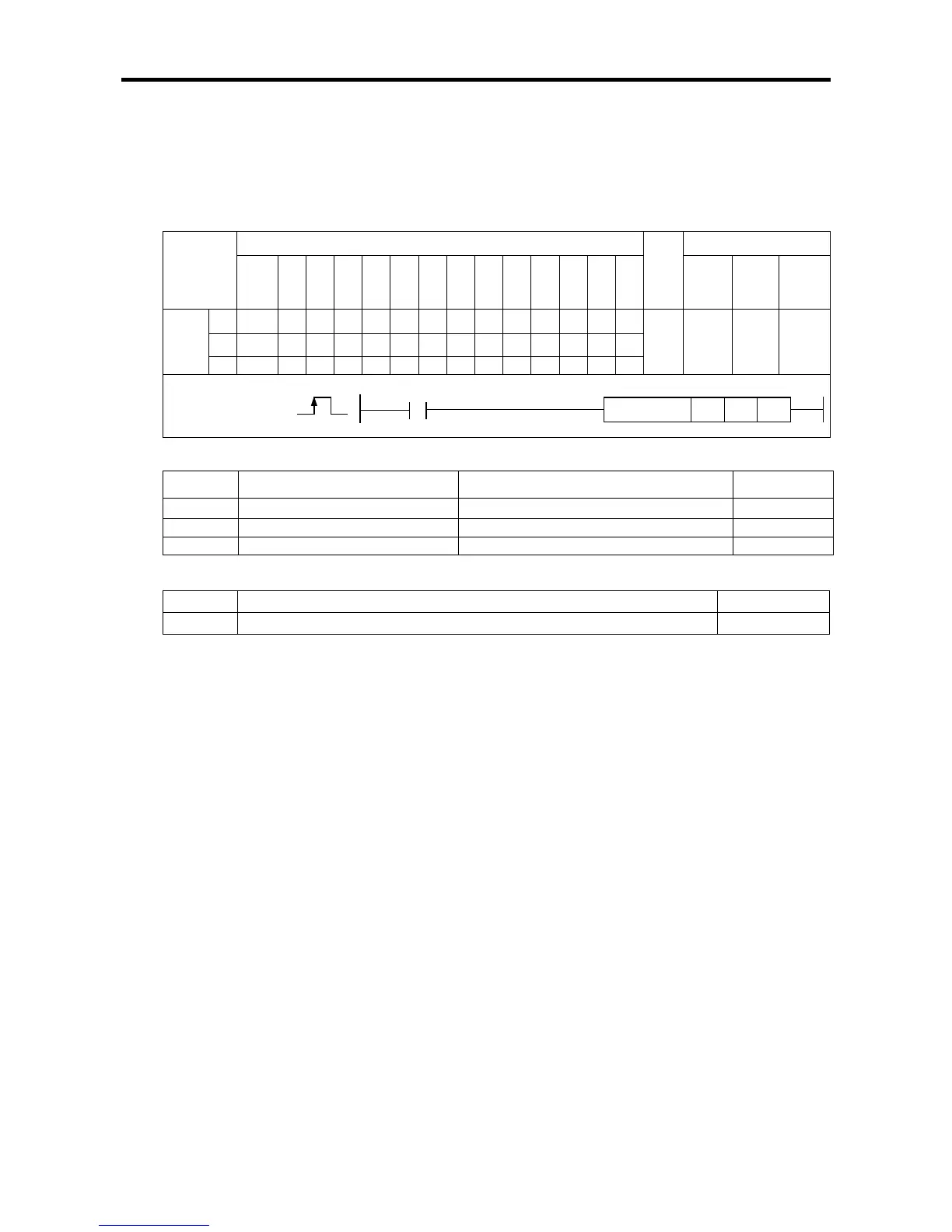
(1) Indirect Starting Instruction (IST)
[
[Area Setting]
[Flag Set]
Flag Description Device number
Error If the value of ax gets out of the range F110
(a) Function
• This instruction is giving indirect starting instruction to XGB built-in positioning.
• The indirect starting is executed to the axis designated as ax of XGB positioning at the rising edge
of the input condition.
• If the instruction is executed, the positioning operation is carried out by the operation data set in
the step number of area K designated in n1. If n1 is set at 0, the operation step is executed which
is displayed in the step number of current positioning area K (axis X:K426, axis Y:K436 word).
• Various operation patterns such as end, continued, and incessant operation, and single and
repeated operation can be made and executed by using the indirect operation instruction.
(b) Error
• If the value designated as ax (instruction axis) is other than 0 and 1, the error flag (F110) is set
and the instruction is not executed.
• In this case, execution of instruction is error. so K area error ocurrence Flag(X axis:K4201, Y
axis:K4301) doesn't turn On
• If the set value of the starting step number gets out of the settable range, instruction Error
Flag(F110) is not set, the error flag of positioning area K (axis X:K4201, axis Y: K4301) turns On,
and the operation does not occur.
Instruction
Areas available
Step
Flag
PMK F L T C S Z D.x R.x
con
stan


 To Next Page