User Manual
│
13
1. Setting camera
※ Notice
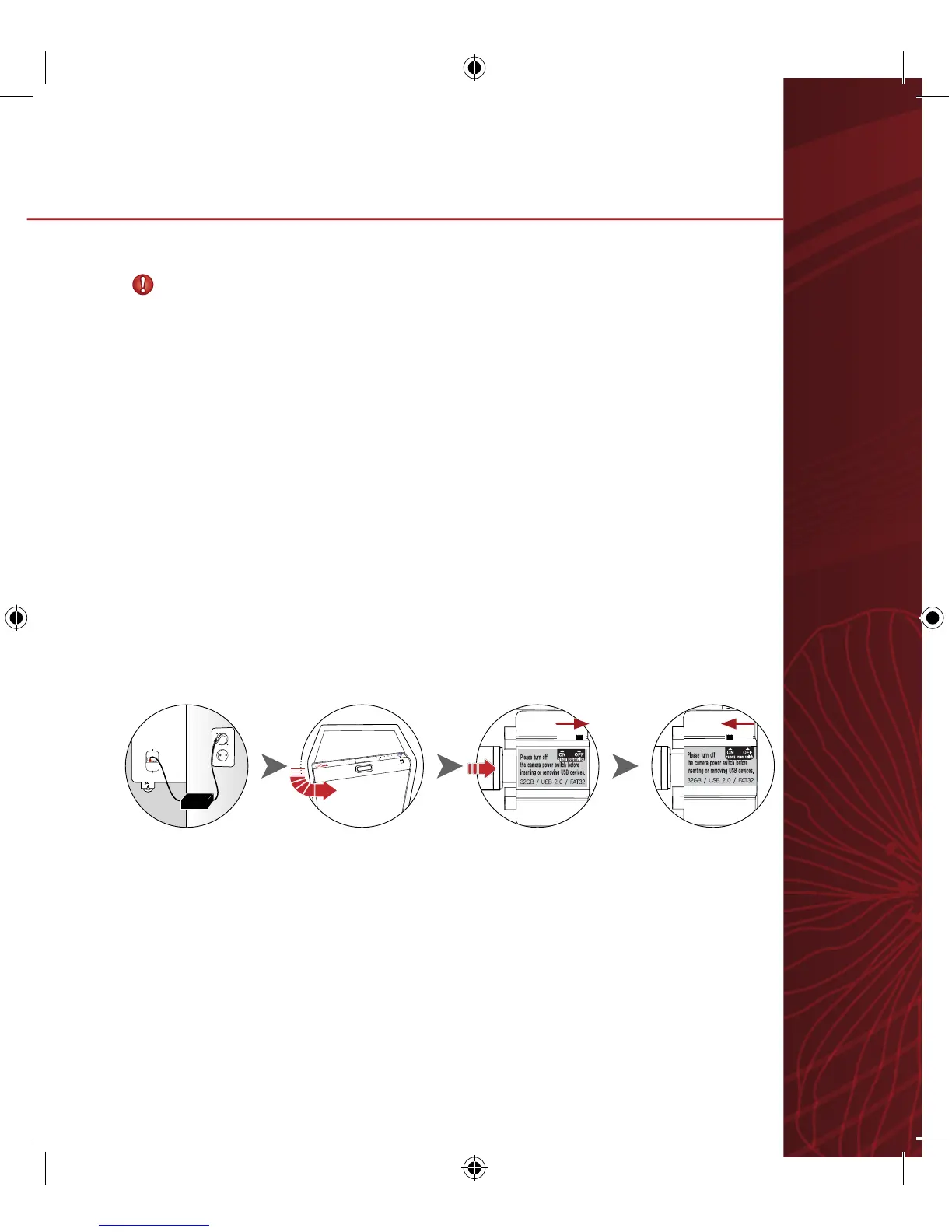
Camera operates only when the safe’s power adapter is plugged-in.
ONLY the USB memory stick with FAT32 format can be used. Maximum
available capacity is 32G.
1) Open safe door and check if camera power is off.
2) Insert USB memory stick and turn on camera power.
- USB memory is properly operating when the LED blinks.
- USB memory is improperly operating if the LED is off or fails to blink.
In this case, turn off the power adapter. Turn it back on after 30 seconds.
9.
Smart cam manual (optional)


 To Next Page