User Manual
│
7
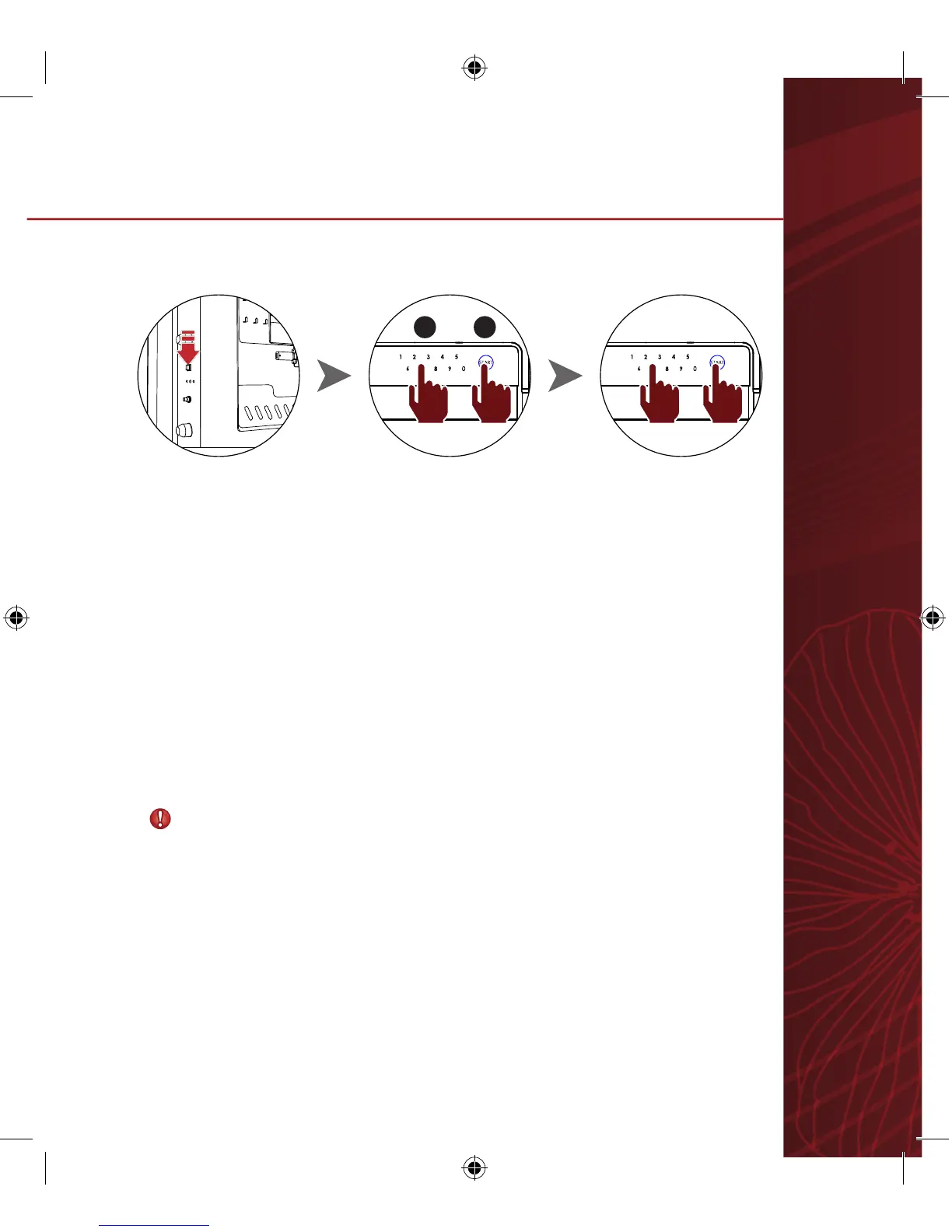
Enter current password and open door.
1 2
※ Notice
- Confirm new password works before closing door.
1. Press Password change button located inside door.
“-CodE-“ and “-----“ will be displayed.
2. Enter new password and press START button.
Password can be set with 4-20 digits.
“AgAin” then “------” will be displayed.
3. Enter new password again and press START button.
4. New password is set.
“USEr_1“ is displayed on LCD and OK flickers.
5.
Changing Password


 To Next Page