Doors
Opening Doors from the Outside
Opening doors
The door handles will extend when:
- A valid key fob is detected next to the
vehicle.
- A valid key fob or valet card is detected
next to the vehicle on the left driver's
side center pillar, and the door handle is
pressed.
- The key fob is pressed twice to unlock
the doors. See Using the Key Fob.
- The mobile app is used to unlock the
doors.
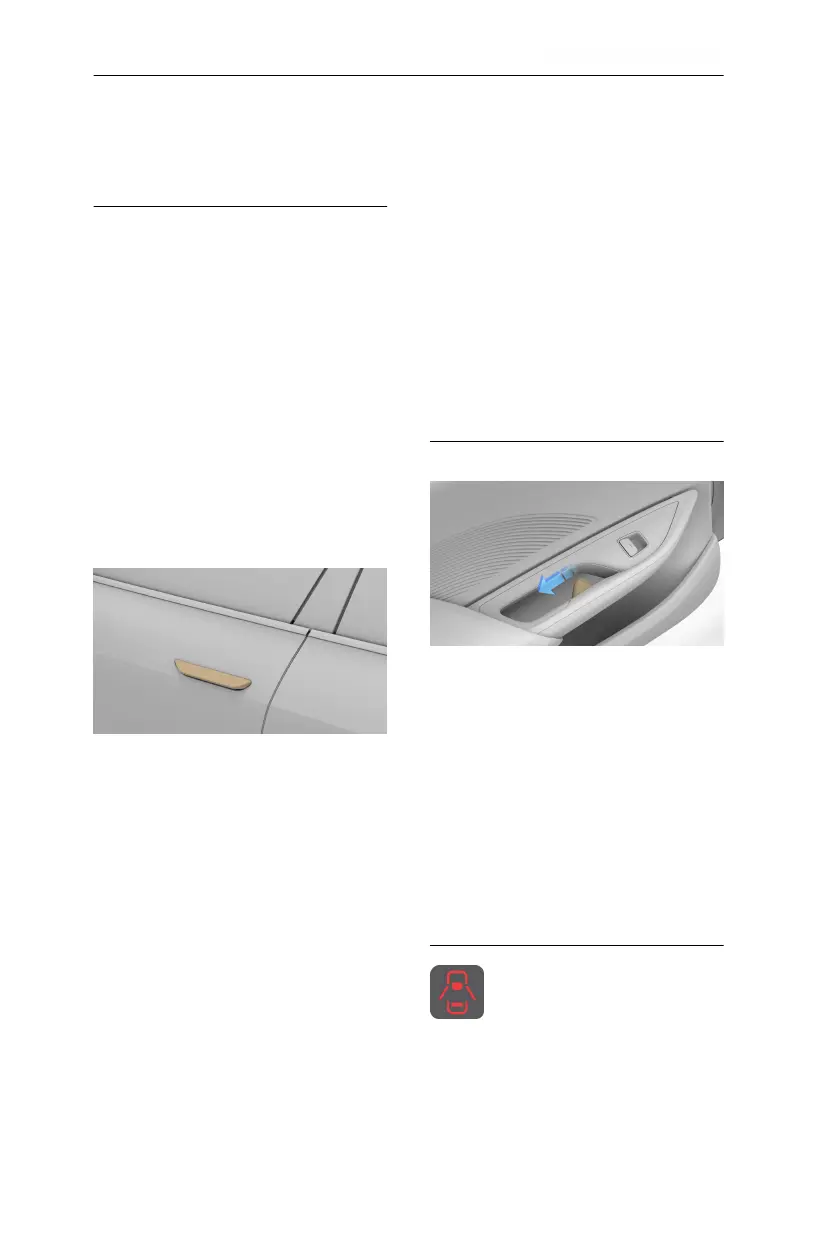
Once a handle extends, pull up on it to open
that door.
Note: If a door handle is not opened within
two minutes of presenting, it will retract.
Other opening methods discussed in this
section can be used to extend it again.
Note: If there is a collision, all exterior door
handles will present if there is still available
power and the door units are not damaged.
Closing doors
The door handles retract when:
- The vehicle locks itself upon the user
with the key fob(s) walking away from
the vehicle.
- A valid key fob or valet card is detected
within 2 inches (5 cm) of the sensor on
the left driver's side center pillar, and
the door handle is pressed.
- The key fob is pressed once to lock the
doors.
- The mobile app is used to lock all doors.
To close a door manually, push it until it is
almost closed; you will feel the power cinch
motor take over. The door will then close
automatically.
Opening Doors from the Inside
When the car is in Park, pull the release
handle (highlighted) once to both unlock
and open the door. Note that this electronic
release mechanism is disabled when the
vehicle is in motion.
In the event the door loses power, pull the
release handle to full travel to open.
Note: To prevent children from using the
interior handles to open the rear doors, see
Child Safety Locks. Rear doors will not open
when child locks are engaged.
Door Warnings
Whenever a door is open while
the vehicle is in D (Drive) or R
(Reverse), a warning icon appears on
the Cockpit Panel, and open doors
are displayed as shown.
Opening and Closing
20



 To Next Page