Interior Lights
Interior Lights
The interior lights automatically switch On
when a vehicle door is opened, and Off when
all doors are closed.
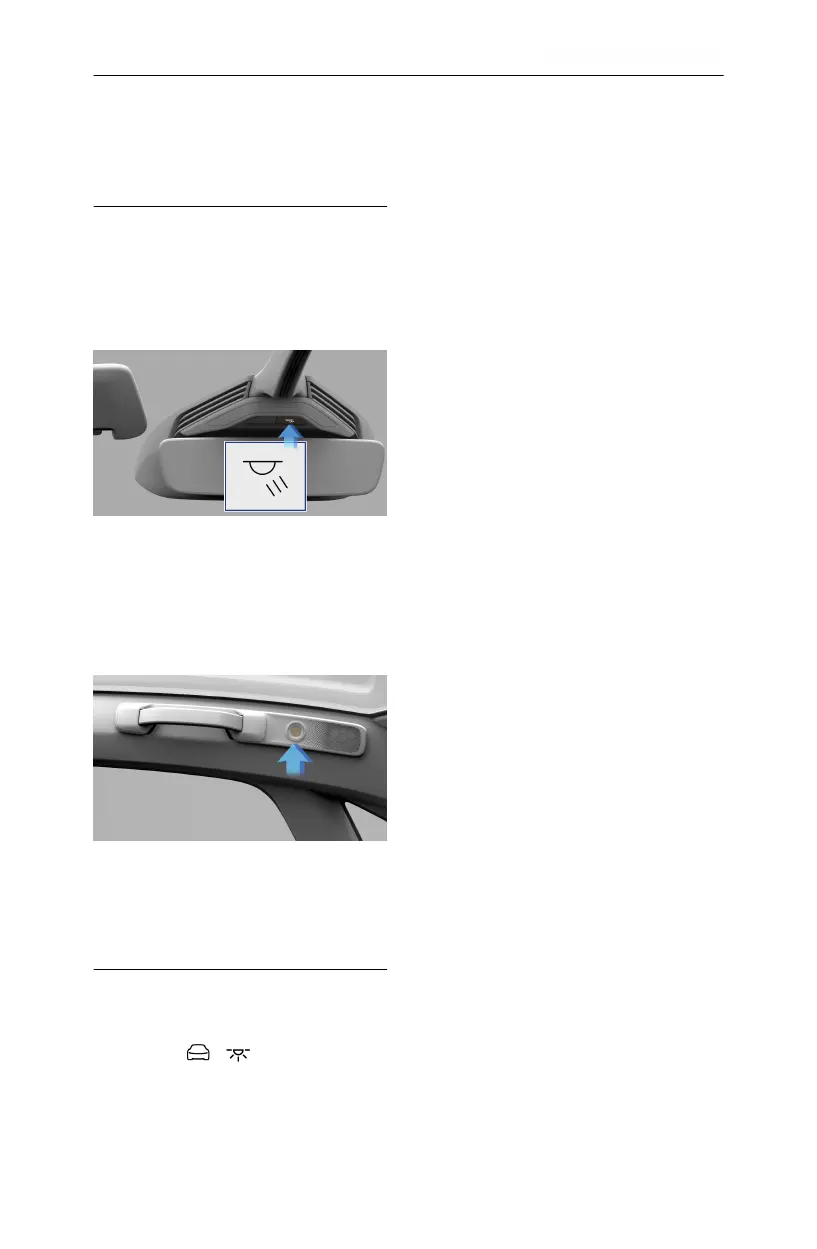
Front seats
To turn the front interior light On or Off, use
the switch located on the overhead console or
touch either light individually.
Rear seats
To turn either of the two rear passenger
reading lights On or Off, press the center of
the lamp lens.
Ambient Lighting
Ambient lighting illuminates the footwells, cup
holders, and accent areas with your choice
of colored lighting. To customize ambient
lighting, press > THEMES on the Pilot
Panel.
Note: If enabled, the ambient lights come on
whenever the vehicle is On. If ambient lighting
is turned off, it will remain off until you turn it
back on.
Tap an ambient lighting theme to select.
If desired, use the center color wheel to
customize brightness. The center section of
the color wheel has an ambient lighting on/off
switch. If turned off, the touch interface
disappears until you switch ambient lighting
back on.
Driving & Operating 76


 To Next Page