Heating, Ventilation Air Conditioning
Temperature Control
Cabin heating, ventilation, and air
conditioning is divided into four zones: The
driver and passenger side in front, and the left
and right sides in the rear.
These zones can be adjusted simultaneously
or individually by using the Pilot Panel, the
Rear Center Console Display, or the buttons
on the dash.
Pilot Panel climate controls
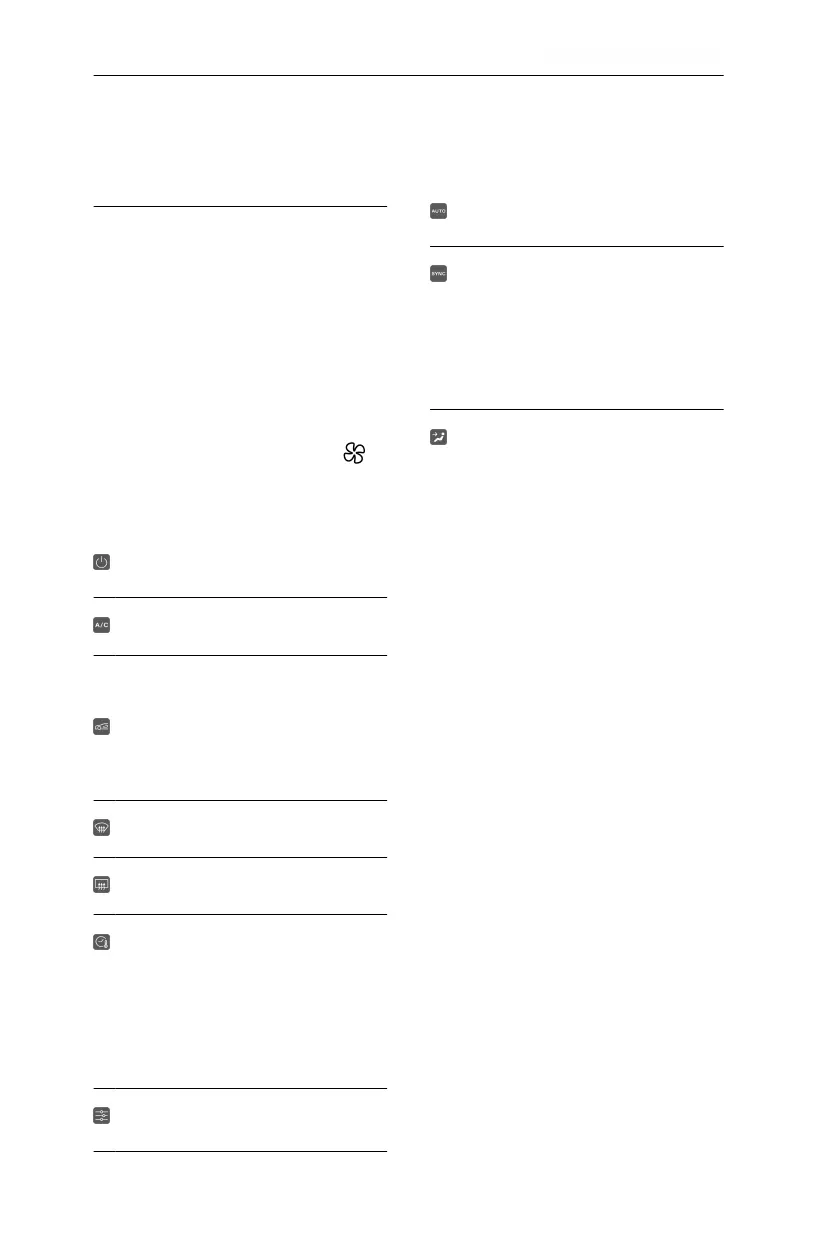
On the bottom of the Pilot Panel, press
.
Press FRONT or REAR to access the controls
for those zones. Use the sliding bars to adjust
temperature and fan speed for that zone. Slide
the bar all the way down to turn the fan Off.
This turns all controls for all four zones On
or O. For REA controls, this turns all
controls for the two rear zones On or O.
Press to turn air conditioning On or O.
Press to switch between air circulation
modes. Cabin air can be continuously
recirculated, or a blend of fresh and cool air
can be drawn from outside.
Note: Avoid recirculating cool interior air
for extended periods, as this can fog up the
windows.
Front windshield defrost. See Windshield
Defrost.
Rear defrost and side-view mirrors. See Rear
Window Defrost.
Activating this feature maintains the current
cabin temperature after exiting the vehicle for
45 minutes.
Note: You will be prompted to conirm your
selection.
Note: This feature automatically disables
when the battery drops below 50 miles
(80 kilometers) of range.
Press to open the Settings menu. From
this menu, auto-conditioning the seats and
steering wheel can be toggled On or O.
When this feature is On, zone fan speed
and vent modes are both automated by the
system based on the set temperature.
When SYNC is activated, all climate control
states are synchronized with the driver zone
(temperature value, fan speed value, and vent
modes).
Note: If a passenger adjusts a control while
SYNC is On, this turns SYNC O. The
control states for the remaining zones stay as
they were previously set while in SYNC.
Press an icon to turn the fan for that area
On or O. Multiple areas can be selected
simultaneously.
Front temperature control buttons
Buttons on the dash can be used to adjust the
temperature and fan speed for the driver and
front passenger. Move a button up or down
once to change the temperature or fan speed
by ±1 increment. Press and hold the tole to
raise or lower by multiple increments.
When using the temperature control buttons,
the right Cockpit Panel opens a small Peek
window along the bottom of the display. This
window displays the current temperature and
fan settings, and updates according to the
control interactions. Changed settings are
highlighted.
Note: The Peek window automatically
disappears after a few seconds of inactivity.
Touch or swipe anywhere on the Peek window
to dismiss it sooner.
Rear Center Console Display
From the main menu, select Climate to access
the controls for the rear zones. To return to
the main menu, press on the bottom bar and
swipe up.
Press an arrow once to change the
temperature or fan speed by ±1 increment.
Press and hold adjust by multiple increments.
Note: When the system does not detect any
passengers in the rear seats, climate controls
are automatically turned Off.
Driving & Operating
84


 To Next Page