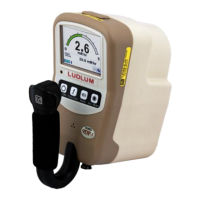
Model 26-1 Frisker User’s Manual Section 2
Ludlum Measurements, Inc. Page 2-2 April 2017
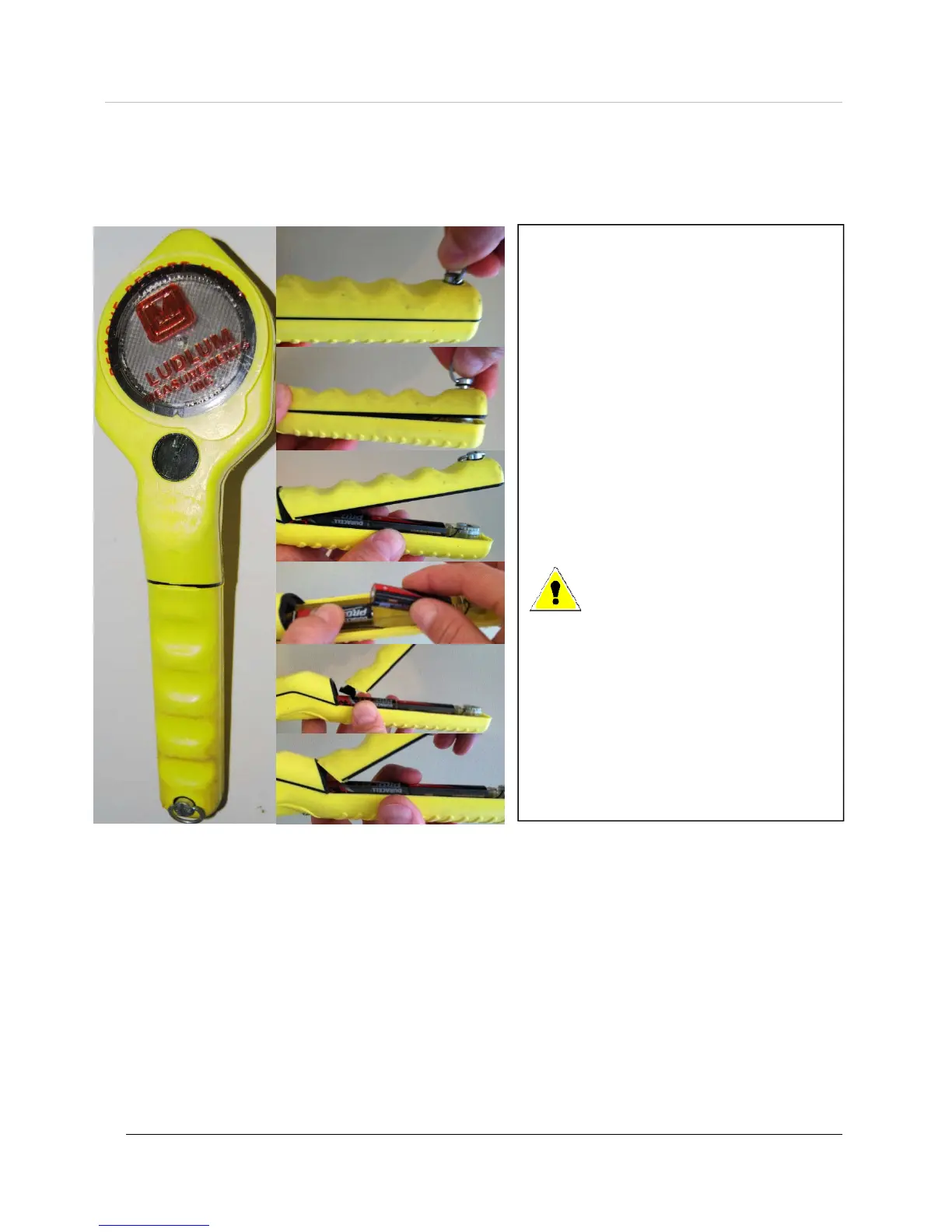
1. Grab the ring on the screw.
2. Turn the ring one quarter turn
counter-clockwise.
3. Release and remove the battery cover.
4. Replace two each AA batteries.
5. Firmly insert the barb of the battery
cover completely into the body of the
Model 26-1.
6. Replace the cover and turn ring one
quarter of a turn clockwise to secure.
Battery Installation
A low-battery indicator appears at the bottom of the LCD when less than 16 hours of battery life remain.
When this indicator is present, follow these steps to replace the two standard AA batteries:
Warning: If this procedure
is not followed correctly,
and the barb is not inserted
into the body of the
instrument correctly, the
barb may break off.



 To Next Page
 Loading...