Notes
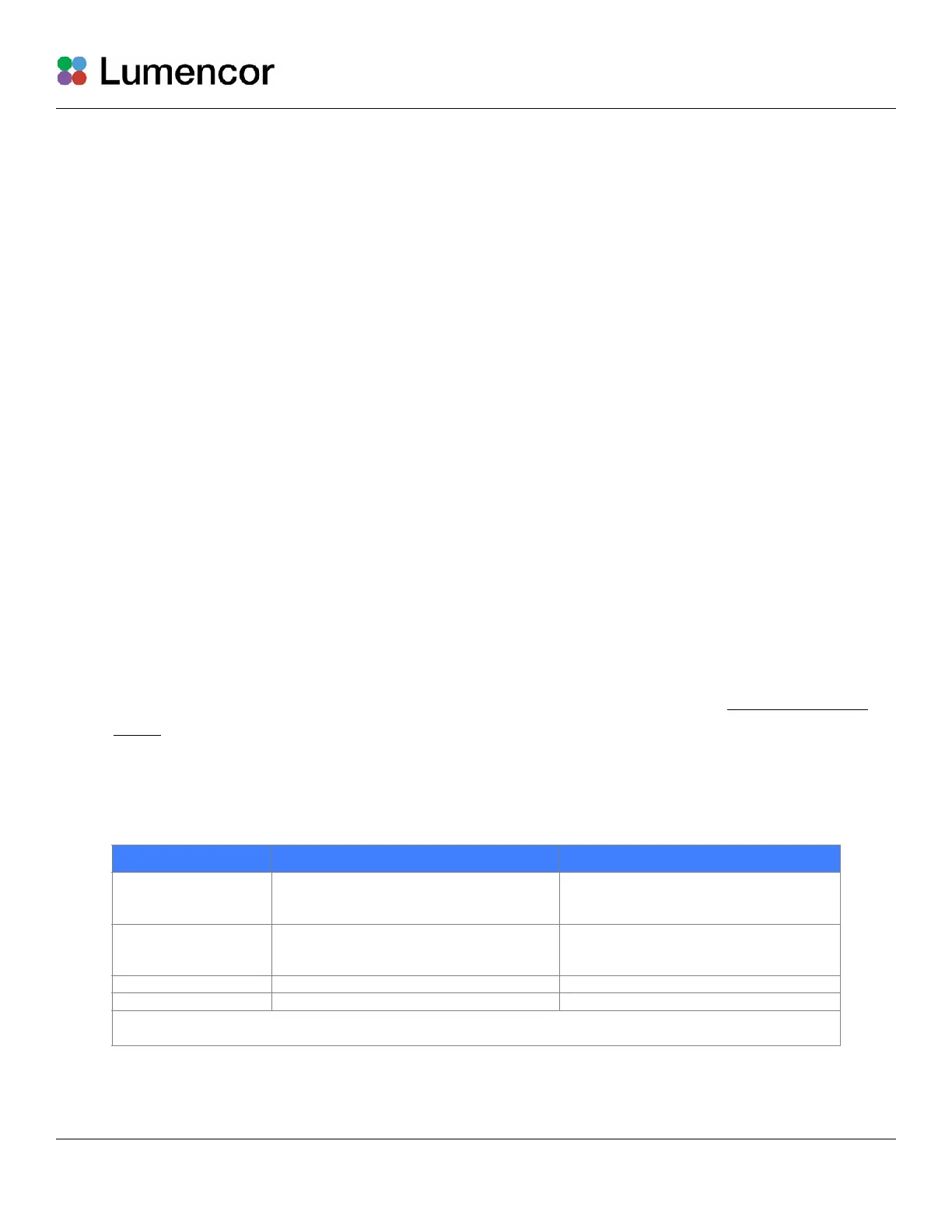
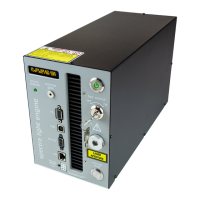
[1] When configured for pass-through operation, the host computer supplies electrical power to
the pod. The pod will turn on when the connection is made. For stand-alone operation (no
pass-through), connect a DC power supply (5V/500mA) to the USB B port of the pod.#
[2] There is no warm-up time; the light engine output stabilizes less than 1 second after the light
output is switched on. Light output can be switched off during intervals when it is not required
for active viewing or data collection. After light output is switched off, the cooling fan will
continue to run for 5 minutes, after which it will automatically stop until light output is turned
back on.#
[3] Output intensity can be set from 0–100% in 1% increments; however operation in the 0–5%
range is not recommended.#
[4] Dialing intensity to zero automatically issues an OFF command to the light engine. Press the
right button to turn the light output on again.#
[5] The current intensity settings are internally stored. When the pod is powered down, the
settings are retained and will be restored at the next restart.#
3.4 Operation Using Computer Workstation
1. Although the following instructions specify Lumencor’s SPECTRA GUI, operations using third-
party image acquisition control software that provide co-ordinated operation of the light
engine with cameras and other peripherals are generally similar.#
2. Operation and installation of the SPECTRA GUI requires a computer running the Windows
operating system with a free USB port.#
3. Download the zip file for the SPECTRA GUI INSTALLER from Lumencor’s Control Software
page.#
4. Unzip the file and run setup.exe to install the SPECTRA GUI.#


 To Next Page