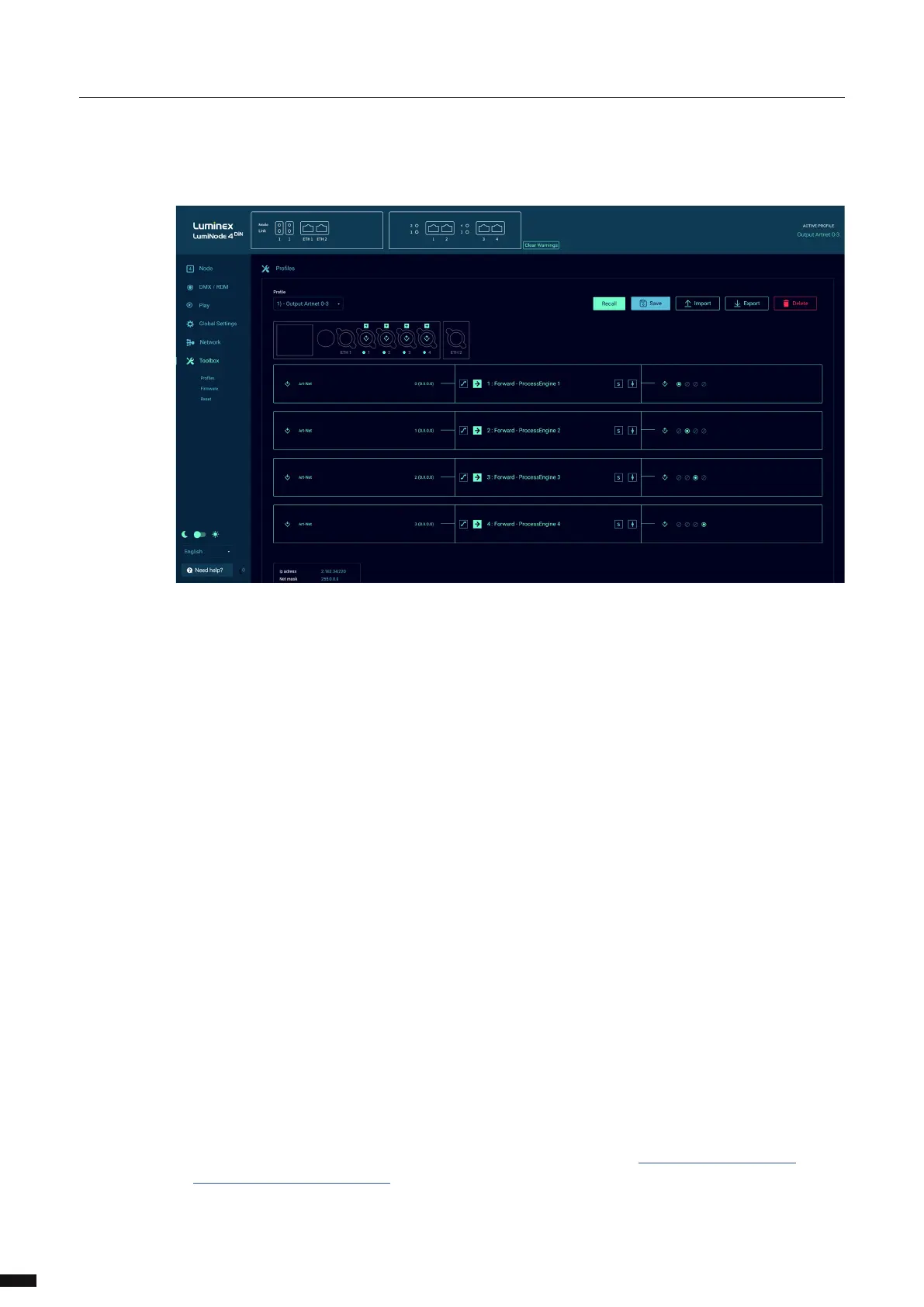
Select the le you have extracted.
The LumiNode will start the rmware upgrade. The unit will reboot after the upgrade is completed.
RESET
In this panel, you can reset the LumiNode, with two separate options:
Preserve IP address, all settings get restored to factory default apart from the IP address set to reach the
device. Custom proles are all deleted and modied default proles are restored to default.
Preserve proles, during the reset the custom stored proles and modied default proles are being
kept.
Click on the Reset button to perform the selected reset.
Performing a reset with these two options disabled will bring the LumiNode to its factory settings.
20



 To Next Page