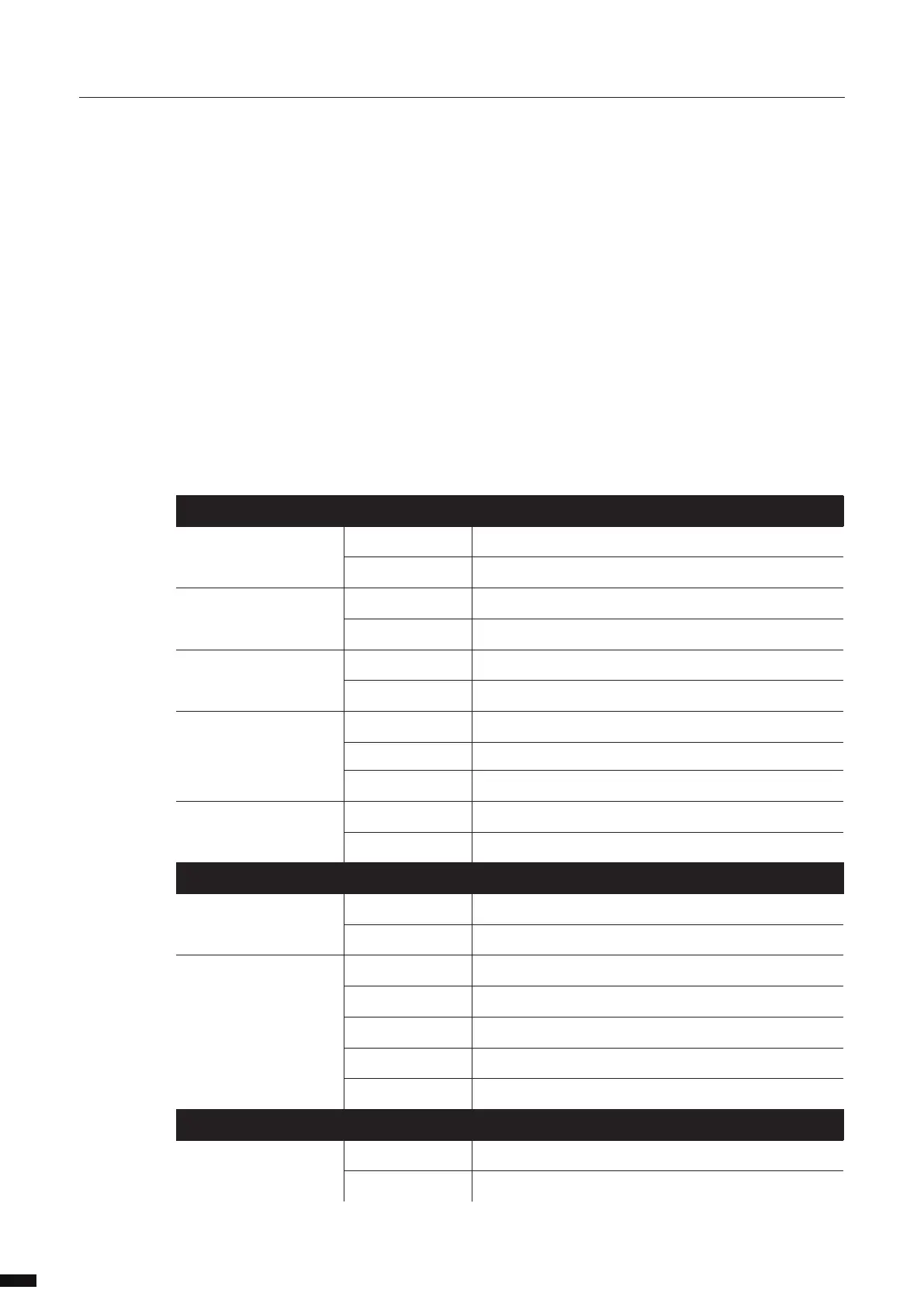
There are various LEDs on the LumiNode 1. Here is a list of the LEDs, the possible colours, and the meaning
of each colour:
DMX PORT STATUS MEANING
DMX Input Green Input idle
Green ashing Input active
DMX only (output mode) Cyan Output idle
Cyan ashing DMX activity
DMX + RDM (output mode) Blue Output idle
Blue ashing DMX activity
Stream loss Red Source stream lost
Red ashing Source stream lost but still outputting the last received packets
Orange ashing Source stream recovered
DMX redundancy Magenta Output idle
Magenta ashing Output active
NETWORK PORT
Left LED (Link) Green Gigabit connection (ashing: Ethernet trac)
Orange 100Mbit connection (ashing: Ethernet trac)
Right LED (Mode) Blue Default colour
Green ashing Device booting
Orange ashing Firmware upgrade in progress
Green blinking Identify in progress
Group colour Corresponding to assigned group/VLAN
USB PORT
USB Red Powered from USB or PoE during bootup
Blue Unit booted and running
Orange ashing Firmware upgrade in progress
Green blinking Identify in progress
Group colour Corresponding to assigned group / VLAN
8



 To Next Page