1120200506Installation Instructions DualGig-2.5
MPS (MoCA
®
Protected Setup)
MPS is short for MoCA® Protected Setup. MPS simplies the way in which the
network is secured with a unique network password (in the menu item “Securi-
ty Settings” under “Enhanced Network Security”). If you want to use an unique
network password, each MoCA®-2.5 adapter you want to embed in your
network must have the same password under “Enhanced Network Security”.
You can do this manually via the menu, but you can also do this via the MPS
function.
From the factory, the Luster MoCA®-2.5 adapters receive the same net-
work password, use of the MPS is not required.
If the password has been changed, a new MoCA®-2.5 adapter to be added
will not be included in the network without using the MPS function if
1
1. The existing MoCA®-2.5 adapters have their Privacy disabled and the
newly added MoCA®-2.5 adapter has its Privacy enabled, or
2. The existing MoCA®-2.5 adapters have their Privacy enabled and the
newly added MoCA®-2.5 adapter has its Privacy disabled or has a differ-
ent password entered.
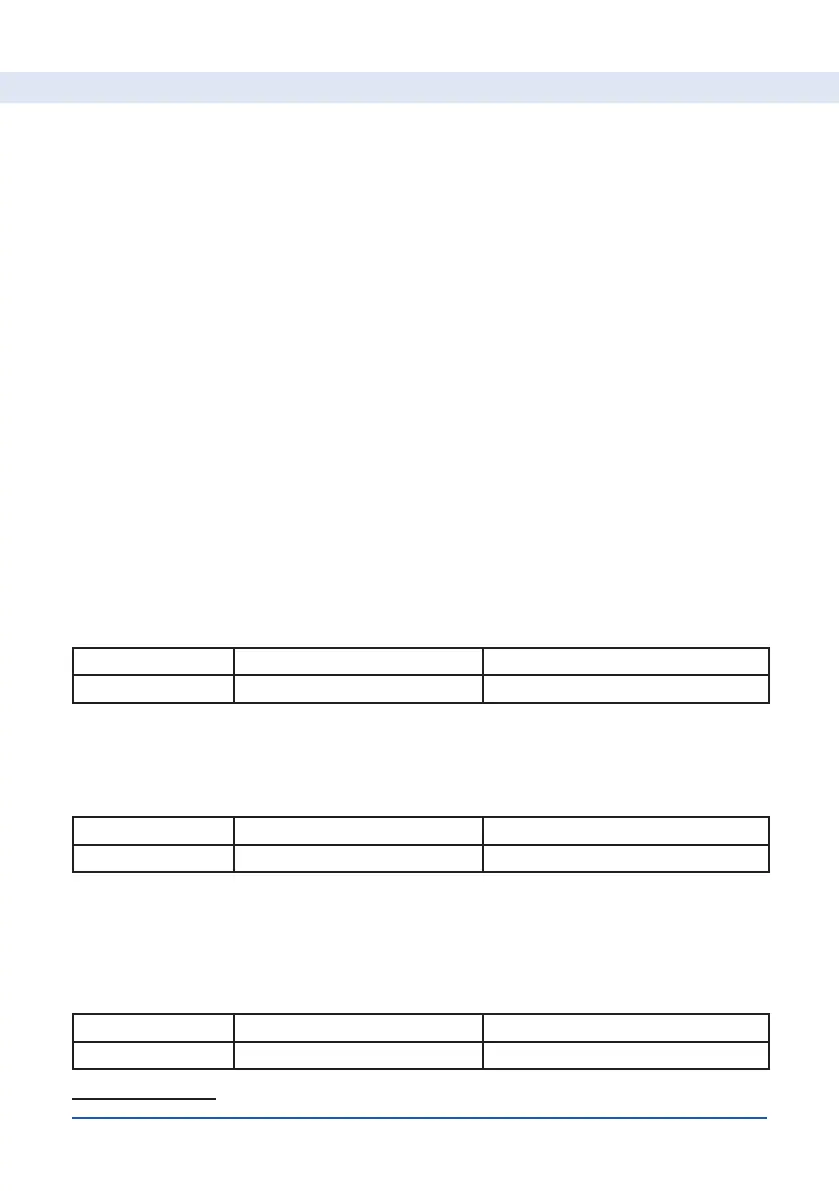
Situation A: Existing network with 4 MoCA
®
-2.5 adapters
Situation A1 Existing MoCA
®
-2.5 adapters New MoCA
®
-2.5 adapter
Privacy enabled No unknown
Within 2 minutes, press the MPS button on one of the existing MoCA®-2.5
adapters and on the new MoCA®-2.5 adapter. Then the new MoCA®-2.5
adapter will connecte with Privacy disabled.
Situation A2 Existing MoCA
®
-2.5 adapters New MoCA
®
-2.5 adapter
Privacy enabled yes unknown
Within 2 minutes, press the MPS button on one of the existing MoCA®-2.5
adapters and on the new MoCA®-2.5 adapter. The new MoCA®-2.5 adapter
receives the password and is added to the network.
Situation B: 2 MoCA
®
-2.5 adapters want to form a network
Situation B1 MoCA
®
-2.5 adapter 1 MoCA
®
-2.5 adapter 2
Privacy enabled yes No
1 This setting can be found in the menu of the MoCA®-2.5 adapter


 To Next Page