Installation Instructions DualGig-2.5 20200506 18
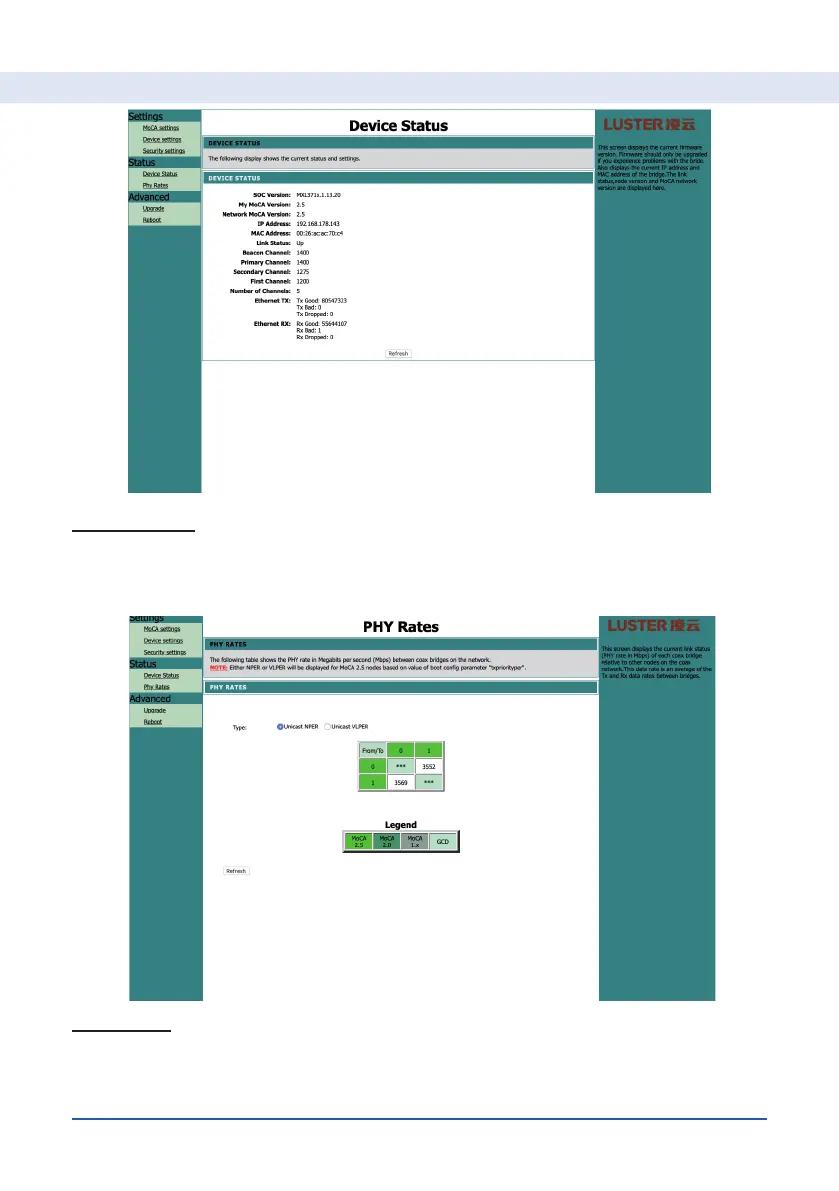
Device Status
Here you can see the status of the adapter and the quality of the number of
data bits sent and received.
PHY Rates
You can see here the data rates between all adapters in your network. The
speed is measured on the so-called physical layer (OSI layer 1).
Setting up your MoCA® adapter


 To Next Page