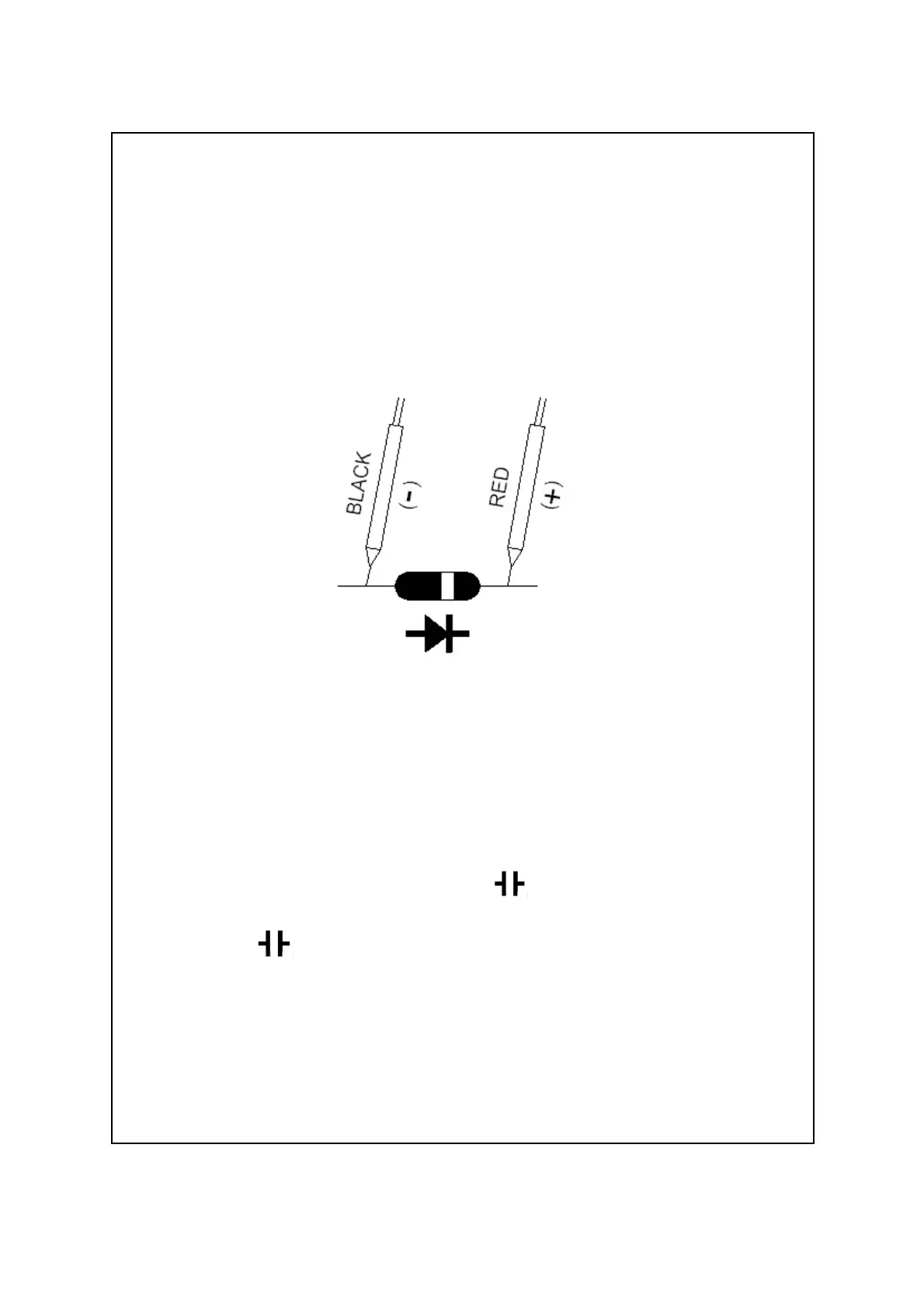
b. When connected as shown in Fig. 3, a reverse check
on the diode is made. If the diode under test is
good, " .OL " will be displayed. If the diode under
test is defective, " .000 " or other numbers will be
displayed. Proper diode testing should include both
steps a. and b. above.
Fig. 3
5-7 Capacitance Measurement
1)Connect BLACK test lead into " COM " terminal ( 3-11,
Fig. 1 ).
2)Connect RED test lead into " " terminal ( 3-12, Fig. 1 ).
3)Select the " Function rotary switch " ( 3-8, Fig. 1 ) to
14


 To Next Page