8
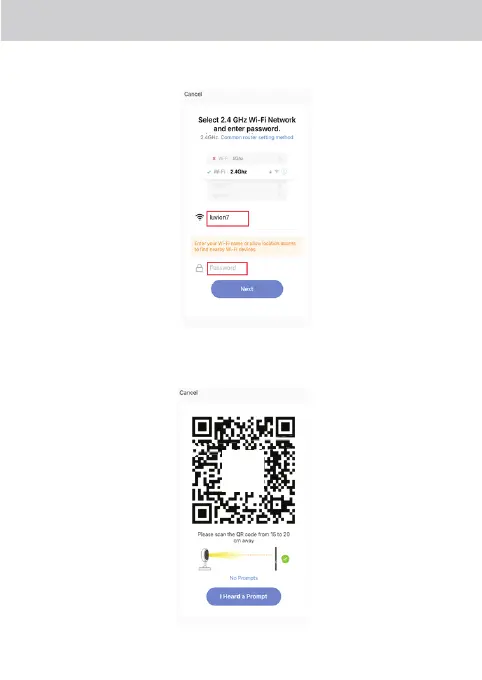
Step 4 Select your own Wi-Fi Network and enter the password of your Wi-Fi network and then
press ‘Next’. Please note: this device only supports 2,4GHz networks.
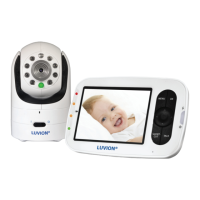
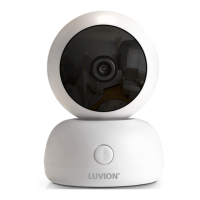
Step 5 Scan the QR code with the camera. Make sure to keep a distance of 15 to 20 cm
between the camera and the QR code shown in the App. If you heard a beep tone,
press on “I heard a prompt”.
SCAN YOUR
QRCODE













 To Next Page