- 11 -
LCD Monitor Setup
(Chapter applies to standard LUVOX LCD MONITORS Only)
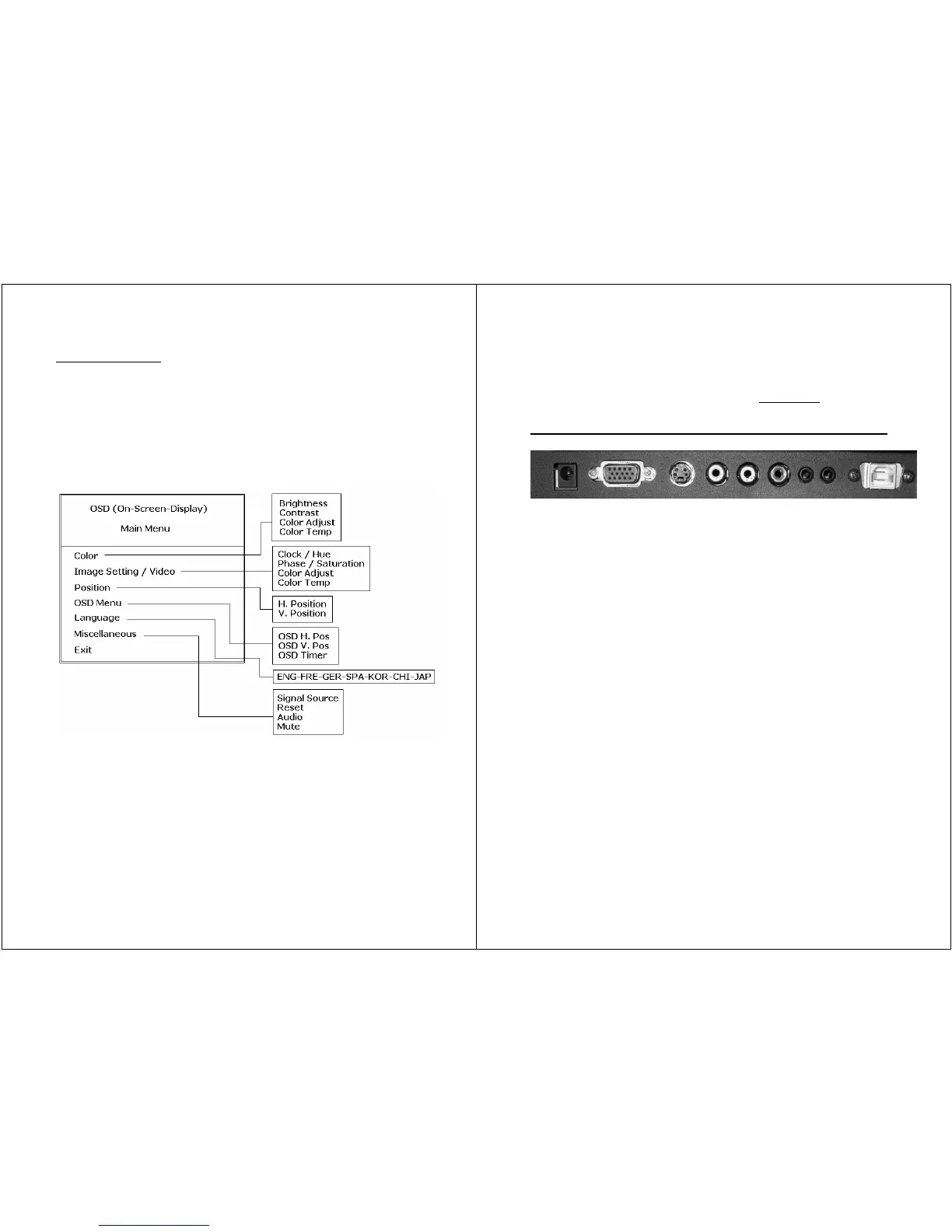
connector layout (standard LUVOX LCD Monitor)
1. DC POWER INPUT: DC 12V jack (center pin +)
2. VGA: This can be connected with the D-Sub 15-pin connector
of any analog VGA RGB source
3. S-VIDEO IN: This can be connected to the S-Video connector
of any video source.
4. VIDEO IN: This can be connected to the RCA connector of
any video source.
5. RCA audio LEFT: left RCA audio input can be connected to
any RCA sound source
6. RCA audio RIGHT: right RCA audio input can be connected to
any RCA sound source
7. LINE IN: this input can be connected to any stereo source
(e.g. a PC sound card).
8. AUDIO OUT: this output can be directly connected to audio
speakers or headphones
9. USB or RS232 port (for touch monitors only): ports to be
connected to your PC for touch functionality.
NOTE: LUVOX professional monitors have a broad range of
optional features available. This means your monitor could have
extra connectors available for different purpose.


 To Next Page