10 | 856.234.8803
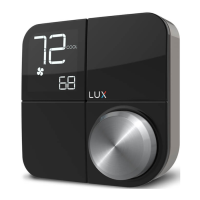
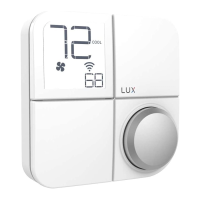
Step 2.11: Aer conrming your system sengs, KONOzw will ask if
you would like “add” the KONOzw to the Zwave Plus Hub. Select “ADD”
to connecon to your Smart Hub or select “OFF” to connect later.
For details on how to congure KONOzw or for addional operaon
informaon please visit:
(F) for Furnace or Boiler:
Set the fan type to Gas (most
common), Electric (for systems
without gas or oil), or Boiler (no
fan).
(HP) for Heat Pump:
Set the valve type to O or B - look
at the photo of your wiring to see
your valve type.
First you will need to set your system type:
Step 2.10: Your KONOzw is now ready to be congured for your heang
and cooling system. The KONOzw will guide you through the inial
system conguraon. Use the knob to change opons and press the
knob to conrm your selecon.
LuxProducts.com/KONOzwOperaonsGuide


 To Next Page
 Loading...