LuxProducts.com | 11
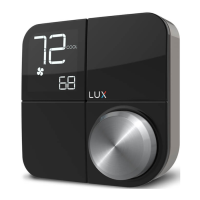
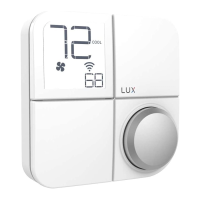
Changing KONOzw’s Décor-snap™ Cover
Place right hang on outside edge of
the Décor-snap cover and le hang on
the edge of the KONOzw screen. Hold
KONOzw in place while gently pulling the
decor snap cover. You will nd important
informaon for Smart Hub setup
including the Z-wave and model number.
*Note: Run Schedule will only work if
enabled on Smart Hub.
Press the knob when the thermostat is idle to view the menu.
Rotate the knob to select an opon and press again to conrm.
Press the knob when the thermostat is idle to
view the menu. Rotate the knob to select an
opon and press again to conrm.
For more informaon about
installaon sengs, please visit
LuxProducts.com/KONOmanual


 To Next Page
 Loading...