Simply Connected
© 2015 Luxul. All Rights Reserved.
Other trademarks and registered trademarks are the property of their respective owners
3
PACKAGE CONTENTS
The following items should be included in the box:
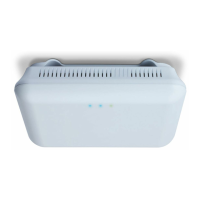
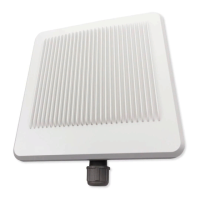
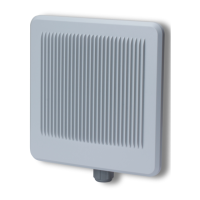
One: XAP-310 Wireless AP
One: Mounting Bracket and Hardware
One: PoE Injector and Power Cord
One: Ethernet Cables
One: Quick Install Guide
NOTE: If any of the listed items are missing or damaged, please contact
the reseller from whom you purchased for return/replacement.
HARDWARE DESCRIPTION
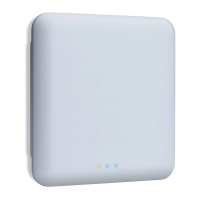
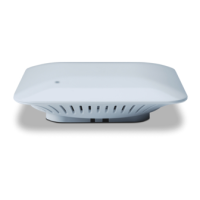
XAP-310 LED
XAP-310 front LED
XAP-310 LED Indicators
Name Status Function
Power
On The XAP-310 is powered and working properly.
Off The XAP-310 is not receiving power or the LED has been
turned off in the AP’s software interface.
Blinking The XAP-310 is booting up.
XAP-310 Rear Ports
XAP-310 Rear Ethernet port


 To Next Page