Simply Connected
© 2015 Luxul. All Rights Reserved.
Other trademarks and registered trademarks are the property of their respective owners
5
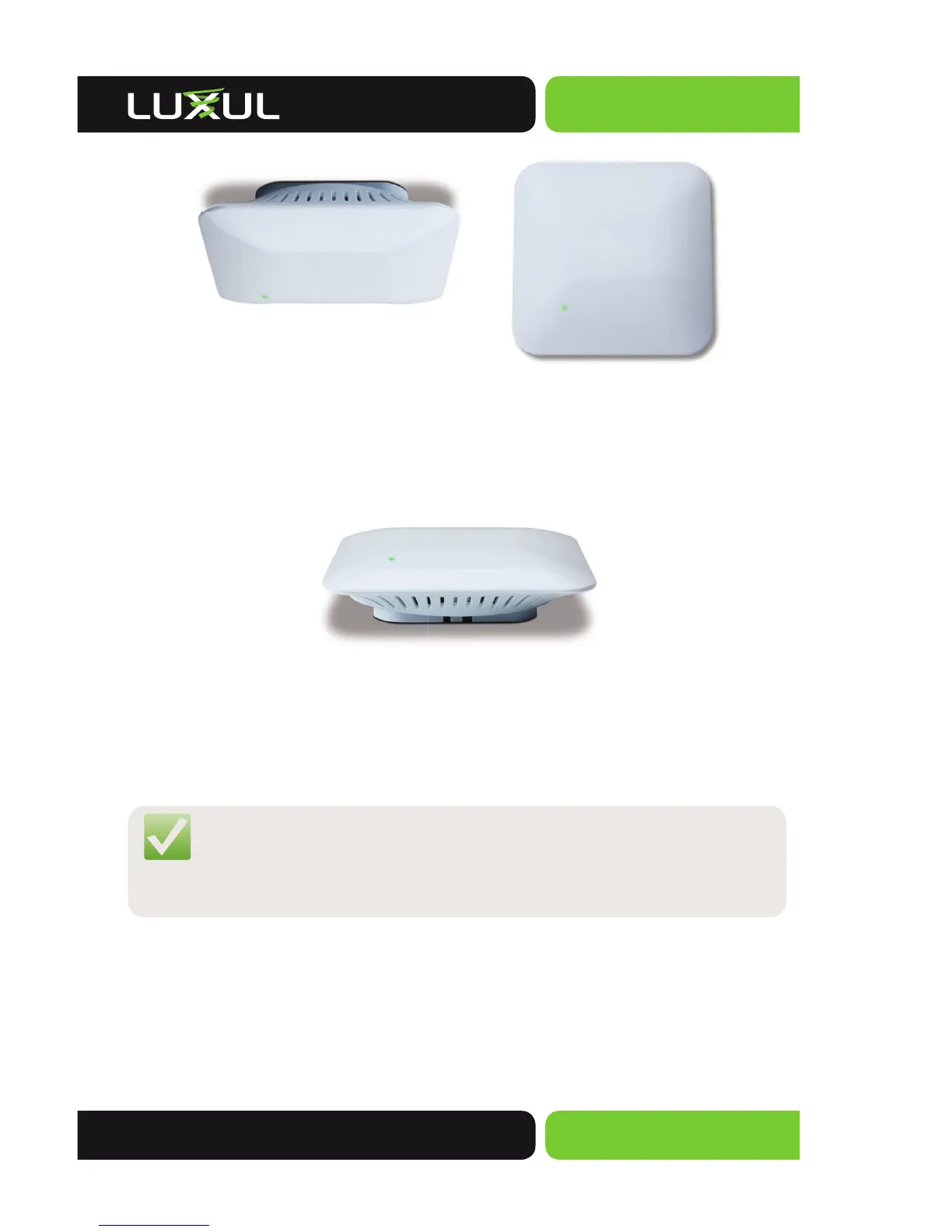
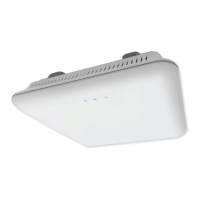
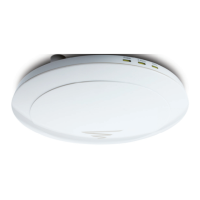
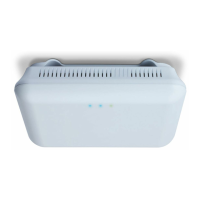
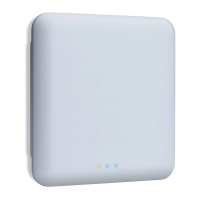
XAP-310 mounted on a ceiling XAP-310 mounted on a wall
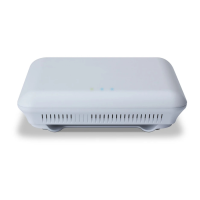
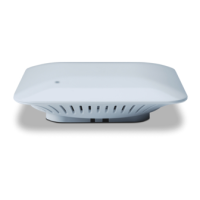
Desktop Installation
Place on any fl at surface
XAP-310 on a desktop or fl at surface
Connecting the Ethernet Cable
With the XAP-310 properly mounted, you can now plug the Ethernet Cable into the
RJ-45 connector.
NOTE: Category-5, super Category-5 or Category-6 unshielded twisted
pair (CAT5/CAT5e/CAT6 UTP) cables can be used. For best
results, it is recommended that Category-6 shielded twisted pair
be used to ensure stable data transmission at highest data rates.
Connecting to the Power Source
The XAP-310 is PoE ready and supports 802.3af PoE. A PoE injector is included with
the device. To apply power, simply connect the opposite end of the Ethernet
cable to which the access point is already connected to the provided PoE injector
or other PoE switch or injector. An Ethernet cable length of up to 300 feet can be
used. DO NOT yet apply power to the PoE injector or switch.


 To Next Page