Quick Install Guide
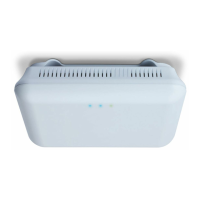
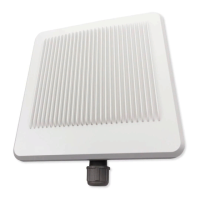
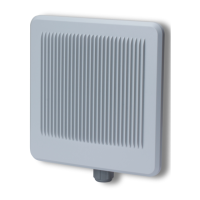
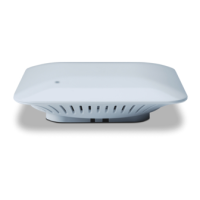
XAP-310
14203 Minuteman Drive, Suite 201, Draper, UT 84020-1685 | luxul.com | 801-822-5450
LUX-QIG-XAP-310 029150954
8
PoE Injector Setup
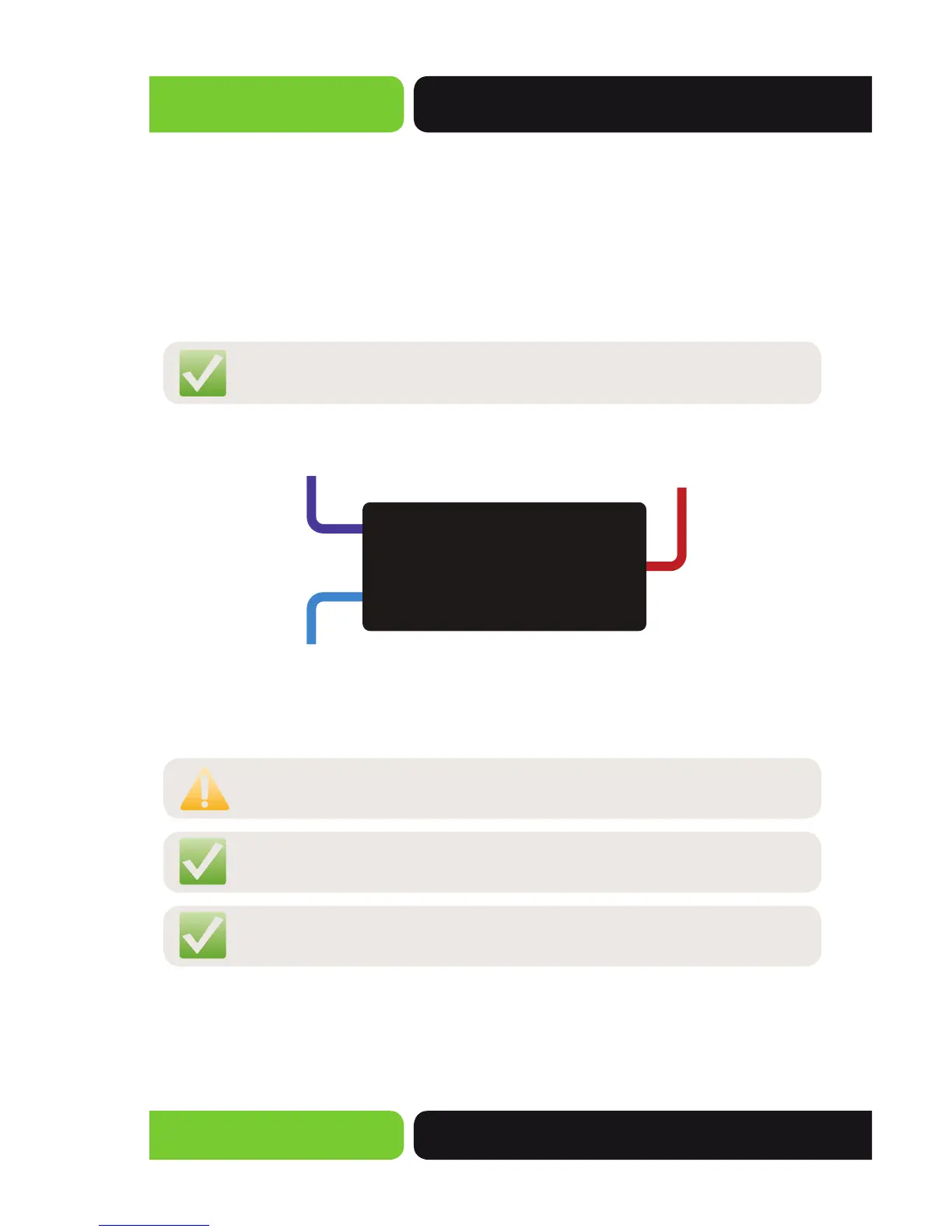
Data In: Connect an Ethernet cable from your router or switch
to the Data In port of the included PoE Injector
Data & PWR Out: Connect an Ethernet cable from the Data & PWR Out
port of the included PoE Injector to the PoE Port of the XAP-310
AC Power: Connect the included AC Cord to the Power Input of the Included
Injector first and then to the AC outlet.
NOTE: The XAP-310 is not a router and will need to be connected to a
network with a router in order to deliver Internet access.
Power
Source
POE
Injector
From your
Router or Switch
XAP-310
DATA IN
DATA &
PWR OUT
The PoE Injector combines power and data to the XAP-310
CAUTION: Because the XAP-310 is a High-Powered access point it is
normal for it to be warm to the touch
NOTE: The XAP-310 is designed to work with any 802.3af power
source.
NOTE: The XAP-310 can also be powered by direct AC power. Contact
Luxul to purchase an AC Power Adapter.


 To Next Page