|
14 P16MI417 - A02 - 01/16
FOR THE INSTALLER
AND USERS
UK
FOR EDIT
01. From the “Start screen”, press “Home” button.
B
02. Press “Current mode” button
3
. (See “Heating Device Management” section, p 18).
03. Press “Program Setting” button
m
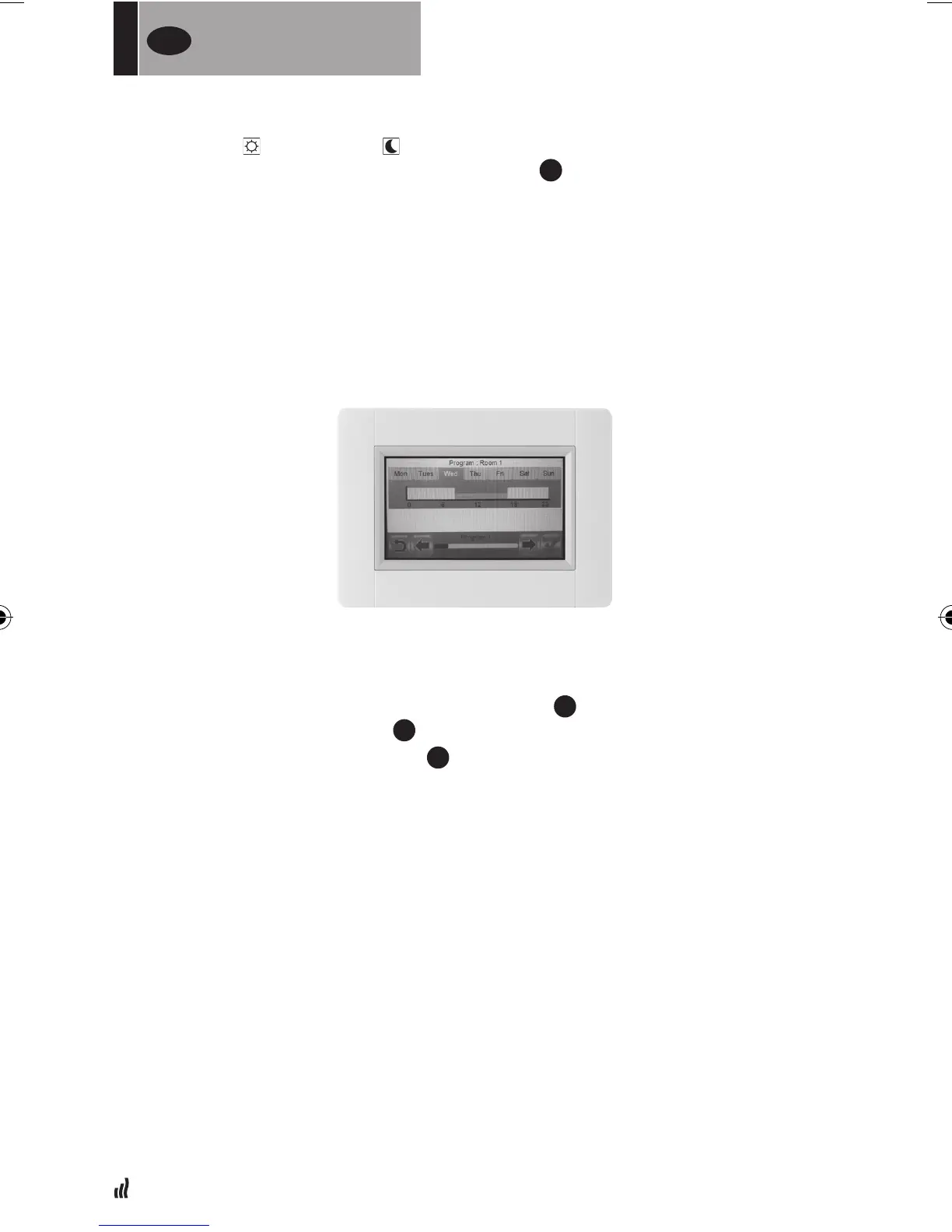
04. >> To edit a created program, press “Edit” button.
05. Select the day you want to change.
06. Do the change.
07. Press “Green check” button.
08. Warning sign, press "Green check" button. If desired, repeat from >> 04.
09. Press the “back” button
10. Press the “clock” button
11. Press “Green check” button to confirm.
07. Initially, the reduced mode is set for 24 h (15 minute periods). Press the
“Comfort”
or “Reduced” buttons to create the program. The cursor can
also be moved by pressing the arrow buttons
2
.
08. Press “Green check” button to confirm these days and repeat until all days are
green >> 05.
09. Once all the days are green, press the “Green check” button.
10. Warning sign, press “Green check” button.
11. Press the “back” button
12. Press the “clock” button
13. Press “Green check” button to confirm.


 To Next Page