KEYPAD OVERVIEW
NOTE 1:
Every time when the pump is started, it will run at a
speed of 3450r/min for 10 minutes (the factory default
is 3450r/min, 10min), and the home page of the screen
will display a countdown. After the countdown ends, it
will run according to the predetermined plan or perform
manual operation;
In the Auto Mode, hold button for 3 seconds, speed
number(3450) will blink and use to set priming
speed; Then press button and the priming time will
blink, Then use button to set priming time.
NOTE 2:
In the setting state, if there is no button operation for 6
seconds, it will exit the setting state and save the
settings. The operation cycle does not exceed 24
hours.
/
/
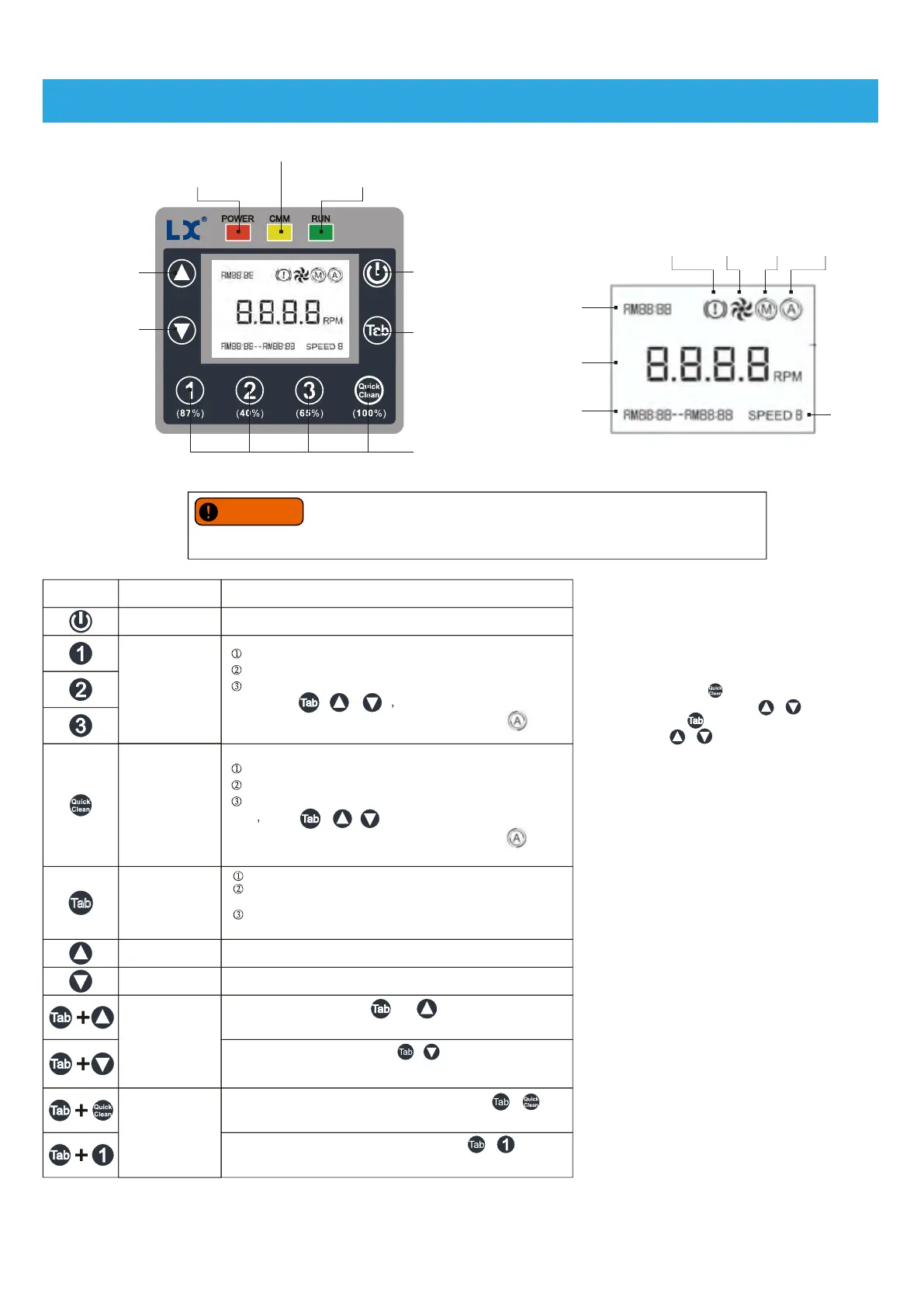
Increase key
Power indicator
Communication
indicator
Running indicator light
Tab/Toggle key
Run/Stop key
Speed gear key
Decrease key
Keypad
Rotating speed
Start and end time
Speed
Fault Run Manual Auto
System time
LCD Screen
If power is connected to the motor, it is important to be aware that pressing any of
the buttons referred to in this section could result in the motor starting. This could
lead to potential danger in the form of personal injury or damage to equipment if the risk is not taken into
account.
WARNING
Key combination
In automatic mode, you can check the speed gear.
In manual mode, the speed gear can be selected.
Press and hold the button for 3 seconds to enter the setting
state, press / / set speed and running time
(running tiem can only be set in automatic mode [ ]).
Key symbol
Name
Function Description
Run/Stop key Control the start-up and shutdown of the pump.
Speed gear key
Quick clean button
In automatic mode, you can view the quick cleaning gear.
In manual mode, the quick cleaning gear can be selected.
Press and hold the button for 3 seconds to enter the setting
state press / / , set speed and running time
(running time can only be set in automatic mode [ ])
[NOTE 1].
Tab/toggle key
In the setting state, you can select speed, time (hour, minute)
in turn.
Press and hold the button for 3 seconds to enter the system
time setting.
Increase key
Decrease key
Speed increase/time increase.
Speed reduction/time reduction.
Key combination
In the off state, press the + button at the same time
and hold for 3 seconds to restore the factory settings.
In the off state, press and hold the + buttons for 3 seconds at
the same time, the LCD screen will switch between manual mode and
automatic mode, and the corresponding icon will be displayed.
The controller displays the home page, and press the + key
for 3 seconds at the same time to lock/unlock the keyboard.
The controller displays the home page, press the + button for
3 seconds at the same time to turn on/off the button sound.
Display running wattage.
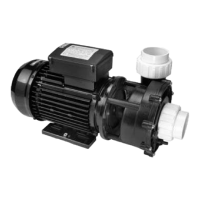
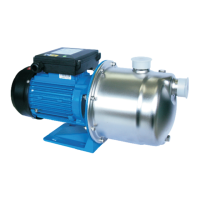
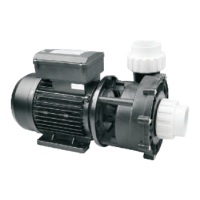
SHP130-VS, SFP220-VS, SWP390-VS Variable Speed Pumps Instruction
For more details and video, please visit www.lingxiao.com.cn
-4-


 To Next Page